Video games are popularall over the worldand I know I can be found playingon my games console for hours.But creating the game can bejust as fun and challengingas playing the game itself.So I've come to St Saviour'sPrimary School, in London,to meet the year sixes who are usingScratch to create games.So do you all like playingvideo games?
ALL: Yes.
All of you, that's great.Well, today, you are goingto get some cool stuff,you're going to createyour own video game.It's a simple game of cat and mouse,and you're controlling the mousewith your mouse.
'The children are using a freepiece of coding software.'All the commands you needare laid out on the left hand side,'these are all the instructionswhich make up your code.'You then drag all the commands intothe middle to write your program.'On the right, you haveyour characters, or sprites,'and above this, your stage,where you can view everything.'
The mouse is trying to run awayfrom the cat. Oh, wow.
OK, so how are you doing that?
You have to give it a script. OK.
So for the mousemine is "move 20 steps"and it would be quite boringif you had to press itand press it over again,so you would go to Control,then you would put "for ever",or you can do "repeat",but I'm choosing "for ever". OK.
And so you could put sounds on it,just jam it in through hereand it has to, you have to goto Controls again,and there's an option saying"when green flag clicked",so you put it at the very top.
And let's test it out and…
Oh yeah, that's cool.
'Although the children are designingthe same basic game,'the beauty of using coding softwaresuch as this'is that it gives the freedomto develop your own version'and be as creative as you like.'
This mouse, Herbert, follows mearound and the cat, Felix,follows Herbert around,but when Herbert gets caughtby Felix, he turns into a ghost.
Wow!
'Like all good games,we need a scoring system.'A score is a variable, so you needto use the variable commands'in the top left of the screen.'
Every time Herbertgets caught by Felix,the score goes minus 100,and it goes up every secondwhen you keep him away from Felix.OK, so every time the mousegets caught by Felix,you lose 100 points. Yeah.
But, as long as you keep the mouseaway from Felix,you're gaining points all the time.
Yeah.
So you have four spritesin your game? Yeah.
That's a bit complicated.
Yeah, it's a harder game to playthan the one on here. Uh-huh.
I still need to work a bit on theprogramming of the two new ones,cos it's not really workingwith the other two ones.
Yeah, at the moment, it lookslike Herbert and that fish,one of your new sprites,is kind of glued together. Yeah.
All right, well, it seemsawfully complicated,so I'll let you get on with that.
'When you're programming, thingsoften don't work out the first time,'so you have to really make sureyou've understood the problem'and that you have all the rightsteps, and in the right order.
'All this coding has got themthinking'about the kind of gamesthey'd like to create,'the rules of the games,and how they'd fit together.'
I would like to make a gamebased on pinball,and when the ball touchessome holes, it gets points.
I would like to make a mazeand you have to… The characterwill follow you with your mouseand you have to collect like, fooditems along the way to power up.
I would like tomake my own car game.You have to avoid objectsand if you hit an object,you lose points.
Now you've heard their ideas,what sorts of game would you make?
Video summary
A Year 6 class is using Scratch visual programming language to create their own computer games.
We see the children at Code Club, writing their own instructions for the sprites (or characters) in a cat and mouse chase game.
They talk science presenter Minna Kane through their use of commands such as FOREVER, REPEAT, IF/THEN and adding sounds to their games.
We see how they drag command blocks into a sequence to tell the sprites what to do.
They use variables to give the players a score. We see a young coder who has created a game with four sprites and is working through the problems this more complex game creates.
We hear that problem-solving and logical thinking are key skills for coding.
The children suggest more complex games they would like to code in the future.
This clip is from the series Cracking the Code.
Teacher Notes
Could be used as an example activity for designing and writing programs that accomplish specific goals.
Is also a good example of using logical reasoning to explain how a simple program works.
This clip will be relevant for teaching Computing at KS1 and KS2 in England and Northern Ireland, Design and Technology KS2 in Wales and Computing Science and ICT at Second Level in Scotland.
Computing KS1 / KS2: Programming a robot crocodile. video
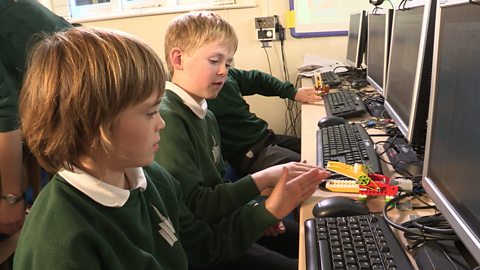
A class builds a Lego crocodile and use Raspberry Pi computers and the Scratch programming language to make it snap its jaws!
Computing KS1 / KS2: Creating a simple automated driving simulator. video
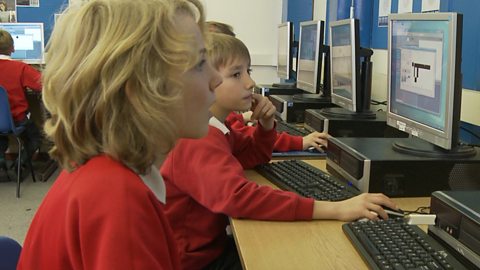
A car sprite is programmed to move around a racing track using repetition and selection.
Computing KS1 / KS2: Creating computer generated visual effects. video
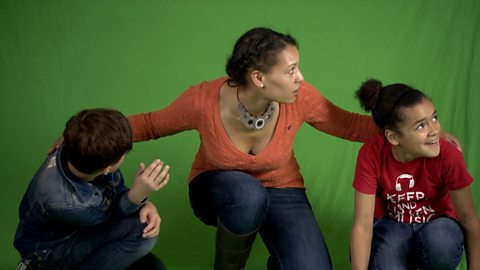
How visual effects in film and television use programs to control CGI behaviour.
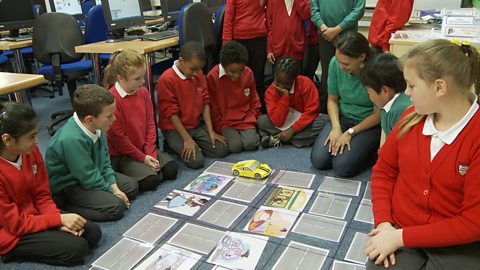
Computing KS1 / KS2: Programming a robotic toy car. video
A toy car is programmed to move between two locations on a town plan.
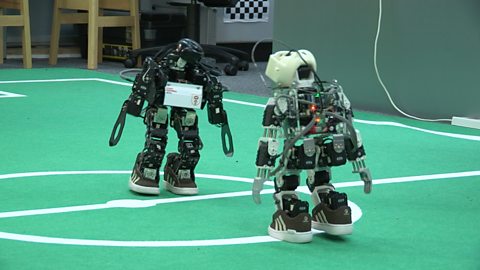
Computing KS1 / KS2: Programming robots to play football. video
How robots can be programmed to respond to what they see, by simplifying situations.
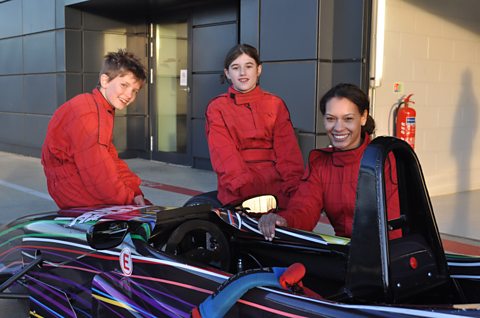
Computing KS1 / KS2: Simulating the experience of F1 racing. video
How realistic, computer-controlled racing simulators are used for training F1 drivers.
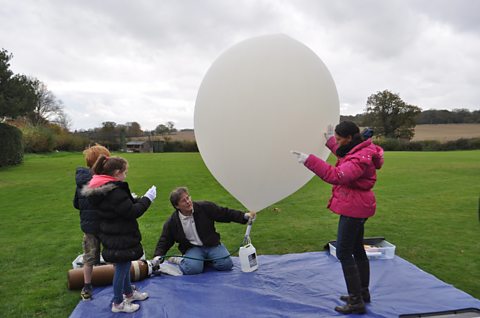
Computing KS1 / KS2: Programming a webcam. video
A small computer and a webcam are programmed to take high altitude weather photographs.
Computing KS1 / KS2: What are bitmap graphics? video
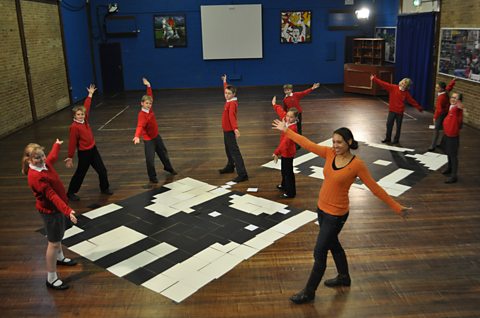
Schoolchildren create large bitmap images using black and white coloured squares.