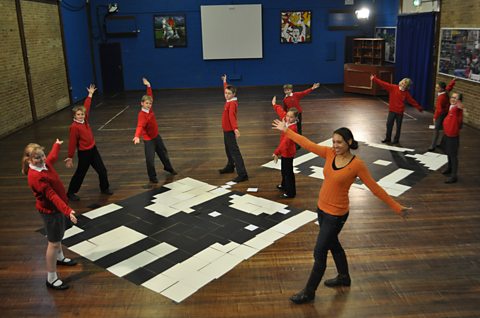
Minna Kane: Being a racing driver is an exciting job that needs split-second reactions and nerves of steel. When driving round tracks at high speeds it's important that drivers know exactly what they're doing.
Nowadays, racing simulators are used by all the top racing teams to train their drivers. These simulators aim to recreate the racing experience as closely as possible.
So, how do computers make the virtual world so realistic?
I'm here at Silverstone racing track with my computer hackers to find out more.
Bradley: I'm Bradley.
Hannah: I'm Hannah.
Stuart: Hi. I'm Stuart. I'm gonna be your driver.
Minna Kane: Before we can find out how realistic simulators are we first need to know what it's like in a real car. So we're getting in the back, as racing driver Stuart takes the wheel.
[in car] Wow. That is so fast and really scary.
Luckily Stuart's a professional. He knows what he's doing. To get that good he's needed to do a lot of practice.
Stuart: Okay. How was it?
Bradley: Amazing!
Hannah: It was really cool! How come you can go so fast on the track?
Stuart: Um, it's fair to say I've probably done quite a few laps around Silverstone.
I do know it very well. Um, and also I know the car very well. So you put those two things together, and obviously that makes it easy for me.
Minna Kane: But nowadays, drivers don't do all their practice on the real track.
Our next stop is the University of Hertfordshire to see how their racing simulator helps drivers to get the perfect lap time.
I'm here with Jeff. He runs the simulator. And Claire, whose company makes the simulator.
So, guys, what do you think?
Hannah: Awesome.
Bradley: Absolutely amazing.
Hannah: What's it made up from?
Jeff: The simulator is a complex mix of high-tech hardware and software.
On the hardware side, we've got the motion base. We have the steering wheel, the pedals, the screens. And on the software side, we have lots of models working hard behind the scenes to make sure the driver sees the right thing and feels the right thing.
Minna Kane: And to make sure the driver does feel and see the right thing, programmers have to know about physics. They need to understand how cars behave in real life so they can programme the simulator to work in the same way.
Bradley: So if you practise on one of these…
Stuart: Yeah.
Bradley: …would you be able to drive a real car?
Stuart: You would, yeah.
I mean, drivers come in here, professional drivers, they will drive the car, learn the circuit, and we've had drivers win the race straight after this, they've never been to the circuit before.
Hannah: Can we have a go?
Stuart: Of course. Let's go and do it.
Minna Kane: In order to make the simulator as realistic as possible, programmers have to make a very accurate virtual world inside the computer.
We call this modelling.
So the simulator code must use the rules of physics. It has to know how to work out the speed of the car or the forces that the driver feels.
It also needs lots of information.
Lengths, heights, weights. Numbers that describe the car: the track, the bumps, everything. So we create our model of the world using rules and information.
Bradley: This file describes the car.
So if we have a look at it here, there's some various numbers. You've got the mass of the car. So that tells you how much the car weighs in kilograms. We have power. We have braking. We have the torque of the engine, so how much power the engine's able to deliver to the track.
Hannah: What happens if you change the numbers?
Bradley: These numbers? Well, you could make a new car. If we took some of these numbers, maybe we change maybe twenty of the numbers, things like the engine performance, the engine speed, the weight of the car, we could make that Renault Mégane drive like the F1 car and be as fast as the F1 car.
Hannah: That's pretty cool.
Minna Kane: So can we have a go with the Formula 1?
Bradley: We can, yeah, yeah. It's-, that is tough. You've gotta be good to drive the F1 car.
Minna Kane: So Hannah and Bradley had a few crashes in the Formula 1 car.
Good job it's just a simulator. But now it's time to find out how a professional does it.
We've seen how we can represent different cars using information, like the mass of the car or the power of the engine, but how does a simulator use that information to create a thrilling experience which responds to the driver?
That's done by writing the computer programme.
Hannah: How do you programme a simulator?
Jeff: What we can see here is the core computer code of the simulator.
We can see it's a set of many, many commands. If you turn left, the simulator will move in such a way that you feel like you're really turning left.
If you put your foot down on the accelerator it's gonna make you feel you're going really fast.
That's all written in this code.
Minna Kane: On screen, we've got a load of words and symbols, but when we run this code it creates the whole simulator experience and brings the virtual world to life.
This code is where the programmers are applying the laws of physics.
Bradley: What else does the simulator have to do?
Jeff: The simulator is having to do so many different things at once.
If you're the driver and you're hurtling towards a corner, the simulator needs to know are you gonna make the corner in time? If you don't, are you gonna spin off and hit the wall? Is it raining? Are you gonna slip?
What noises does it need to make? What do the graphics need to show? Every single element of the simulator is talking to each other about 1000 times a second.
Minna Kane: Wow.
Stuart: So, guys, what do you think of that?
Bradley: Awesome!
Hannah: Scary!
Minna Kane: So, how do the two of you think it compared to Silverstone?
Bradley: On-, when he was racing round it looked really real.
Hannah: It was fun, but it wasn't quite as real as being actually at Silverstone.
Minna Kane: The simulator isn't perfect, because there are limits to what computers can do, so how much information they can read, how fast they can work out calculations, or how much detail the graphics card can draw on the screen.
So simulators may still have some way to go, but computer programmers are improving on their programmes and newer computers are making it easier and faster to work with more information.
So, simulators can become even more realistic, to the point where maybe it'll be difficult to tell the difference between computer-generated environments and the real world.
Video summary
Two young coders find out about the physics and data processing that goes into creating a realistic simulator for F1 drivers to use in training.
Science presenter Minna Kane takes them to ride with a professional F1 driver at Silverstone, before visiting the University of Hertfordshire’s simulator.
The simulator hardware includes high resolution screens, realistic controls and hydraulic legs to create the sensation of movement.
Its programmers have developed a detailed model incorporating the laws of physics and data to mimic both the circuit and the car accurately, taking into account speed, height, weight, mass and the power of the engine, along with bends in the track and even wet conditions.
The young coders have a go at driving both a standard and an F1 car in the simulator.
They compare the experience of a simulator with a real circuit around Silverstone.
This clip is from the series Cracking the Code.
Teacher Notes
Could be used as an example of a computer program simulating a physical system.
Also as a demonstration of working with variables and various forms of input and output.
This clip will be relevant for teaching Computing at KS1 and KS2 in England and Northern Ireland, Design and Technology KS2 in Wales and Computing Science and ICT at Second Level in Scotland.
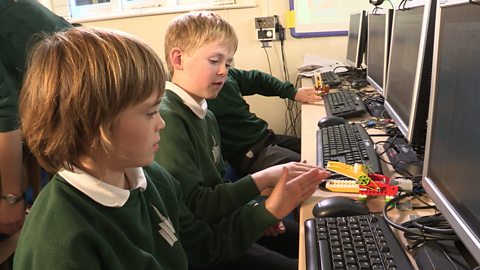
Computing KS1 / KS2: Programming a robot crocodile. video
A class builds a Lego crocodile and use Raspberry Pi computers and the Scratch programming language to make it snap its jaws!
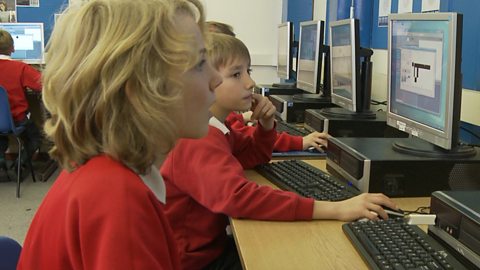
Computing KS1 / KS2: Creating a simple automated driving simulator. video
A car sprite is programmed to move around a racing track using repetition and selection.
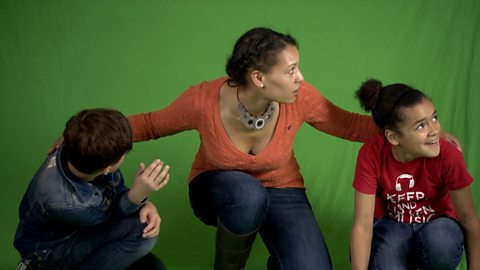
Computing KS1 / KS2: Creating computer generated visual effects. video
How visual effects in film and television use programs to control CGI behaviour.
Computing KS1 / KS2: Programming a computer game. video
Schoolchildren create their own simple games using on screen sprites.
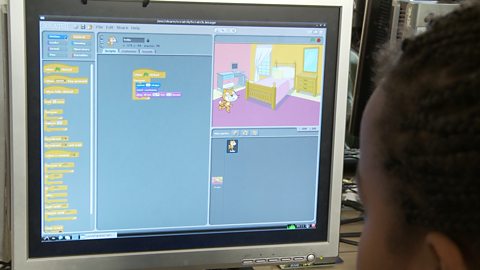
Computing KS1 / KS2: Programming a robotic toy car. video
A toy car is programmed to move between two locations on a town plan.
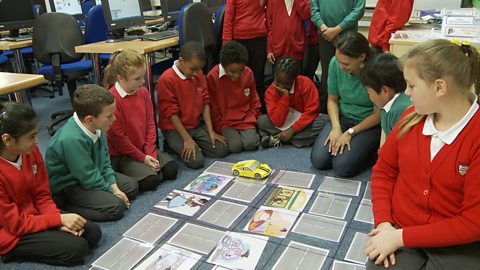
Computing KS1 / KS2: Programming robots to play football. video
How robots can be programmed to respond to what they see, by simplifying situations.
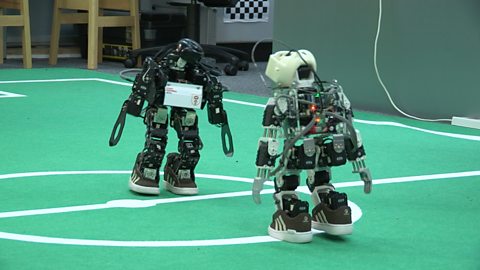
Computing KS1 / KS2: Programming a webcam. video
A small computer and a webcam are programmed to take high altitude weather photographs.
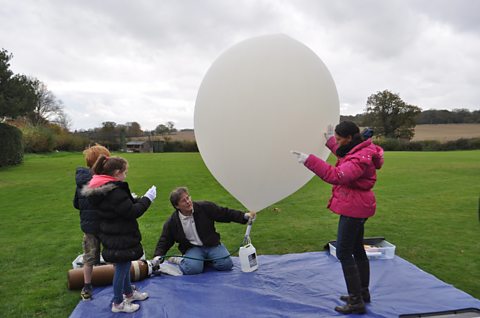
Computing KS1 / KS2: What are bitmap graphics? video
Schoolchildren create large bitmap images using black and white coloured squares.