Main content
Quizzes
iSite2
Quizzes are created using Riddle, a third-party quiz engine and production tool. They can be embedded in article pages using iSite2.
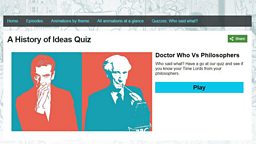
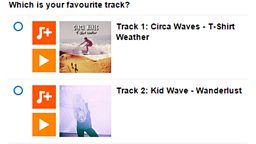
Riddle provides various interactive formats including multiple choice quizzes, lightweight polls, build-your-own-adventure and spot-the-difference. There are two stages to creating a quiz for bbc.co.uk.
- Stage 1 - Create and publish the quiz using Riddle
- Stage 2 - Create an article page in iSite2 in which to embed the quiz
Before You Start
- Contact Riddle Support for access
Quick Guide
Stage 1: Create the quiz using Riddle
Guides to creating Riddle quizzes can be found here. Further technical information can be found here (BBC login required).
Stage 2: Embedding the quiz in an article page
- Create a new article page in iSite2 (or open an existing one)
- Add a new content block: Content - Riddle
- Name the block so it can easily be found in future
- Add a quiz title (optional)
- Add the Riddle Quiz ID
- Save and publish the content block
- Save the article page and publish once anything else has been added
Related Tasks
![]()
Article Page
Create an article page in iSite2
![]()
Image Publishing
Publish an image in iBroadcast2
![]()
Clip Publishing
Publish a clip in iBroadcast2
![]()
Uploading
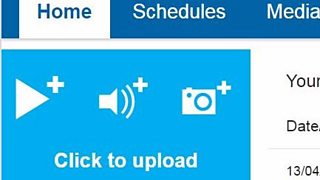
Upload media to iBroadcast2