Main content
Galleries Box
iSite2
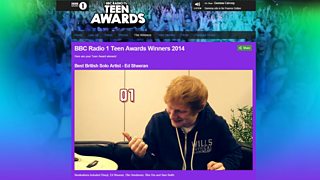
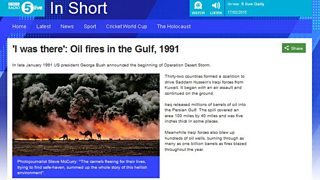
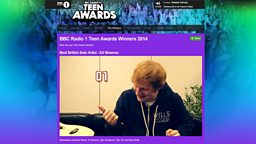
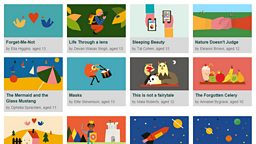
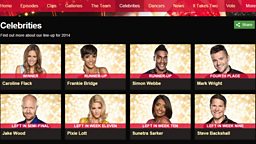
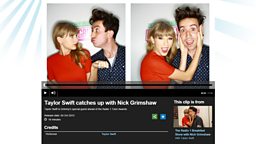
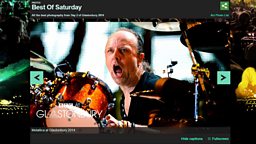
A Galleries Box can be used to embed a cover image and a link to a Gallery that has been created in iBroadcast2.
You Will Need
- Content Block Name - This is to help you find your page in iSite2, it will not be displayed.
- Gallery PID – Your gallery will need to have been published in iBroadcast2. See the guide to Galleries for more information.
Before You Start
Go to iSite2 and select the project you want to work on. If you do not have access to the correct group, please contact R&M.Support@bbc.co.uk.
Quick Guide
- Create a Galleries Box - If you are in an Article Page, click the blue create new link below Primary or Secondary Content and select Content - Galleries Box. Alternatively, navigate to the Project Dashboard tab and click the blue create new link by Content - Galleries Box.
- Add Content Block Name - Give your content block a name. This is not public facing and must be unique across your project space.
- Add Gallery PID - Enter a gallery PID in the blank field. You can add additional galleries using the drop down arrow.
- Publish - Click the orange save button and then click the green publish button. If you don't publish now you will be prompted when you publish your article or profile page.
You can preview how your Galleries box looks from the article page in iSite2.More information about Article pages in iSite2.
For more information: Download the Step-By-Step guide to creating a galleries box in iSite2.
Optional Functions
- Add Title - You can give your gallery box an optional title, which will be displayed at the top of the content block.
Step-By-Step Guide

Related Tasks
![]()
Article Pages
Create an article page
![]()
Image Box
Create an image content block
![]()
Prose
Create a prose content block
![]()
Promotions
How to create a promotions box