Main content
Index Article pages
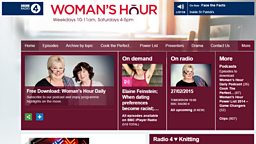
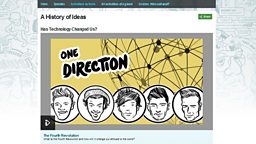
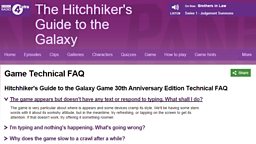
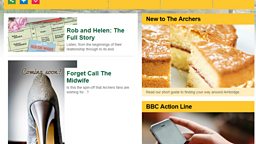
You can create an index page for a group of articles. These 'parent' pages automatically show promos for all pages with that parent assigned. This will allow you to create groups of related pages and will automatically provide horizontal navigation from one child page to another. A child page can have one or more parents.
You Will Need
- Article Form Name (this is to help you find your page in iSite2, it will not be displayed).
- Title and Short Synopsis.
- Image PID for article image - your image will need to have been published in iBroadcast2. If you haven’t done this before see our guides to iBroadcast2.
Before you start
Go to iSite2 and select the project you want to work on. If you do not have access to the correct group, please contact R&M.Support@bbc.co.uk
Step-By-Step Guide
- Create New Parent Article - Create an article page by following the article page guide.
- Attach article pages to the Parent - Open the article page you wish to add to your parent and browse for your parent article page in the Parent articles section.
- Save and Publish - Click the orange save button and click the green publish button.
For more information: Download the Step-By-Step guide to creating index article pages in iSite2.
Optional Functionality
- Ordering Child pages - You can override the default ordering by entering a number in the Position field. The lower the number the higher up the ordering. You can enter minus numbers.
- Adding multiple parent pages - You can add more that one parent page.
- Removing a child page - Go to the child article page you wish to remove. In the Parent article section select Remove from the dropdown menu next to the parent page.
Step-By-Step Guide

Related Tasks
![]()
Article Pages
Creating article pages in iSite2
![]()
Prose Box
Create a prose content block
![]()
Image Box
How to create an image content block
![]()
Clips Box
Create a clip content block