On the BBC Sounds website
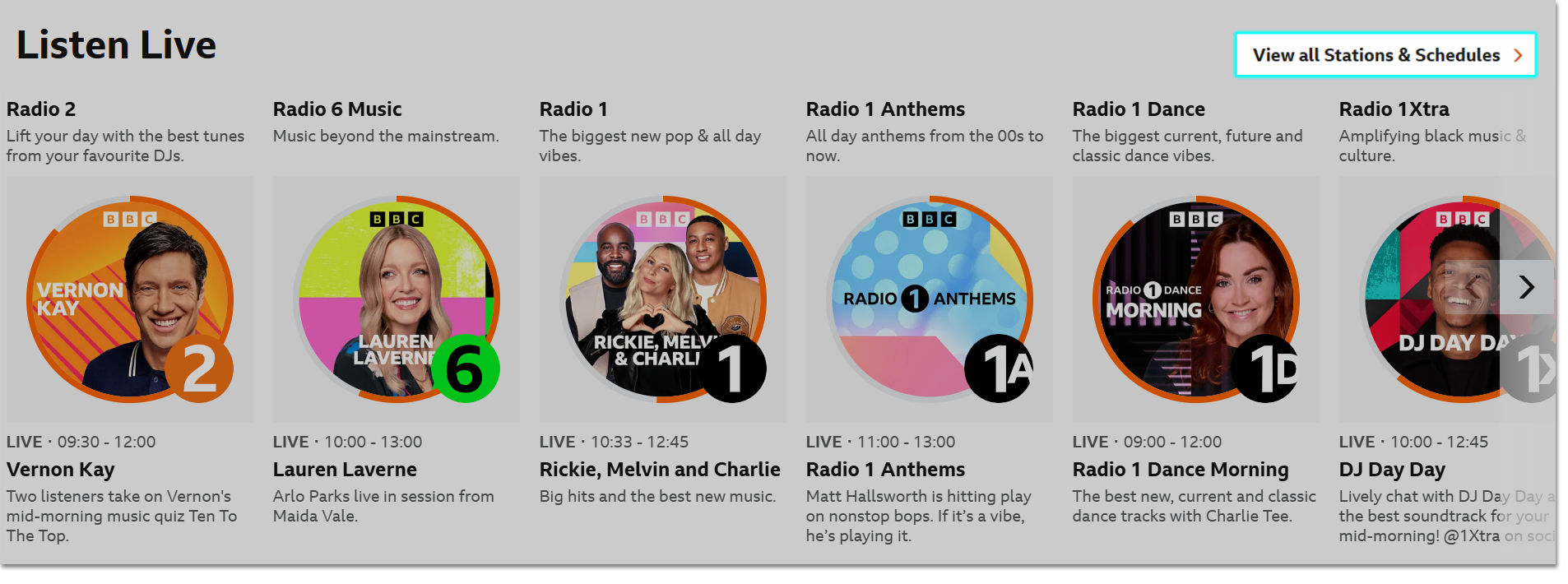
Head to the schedules page to find the schedules for every national and local BBC radio station. Just select a radio station to see its schedule for today.
You can also find the schedules from the top right corner of the BBC Sounds website homepage:
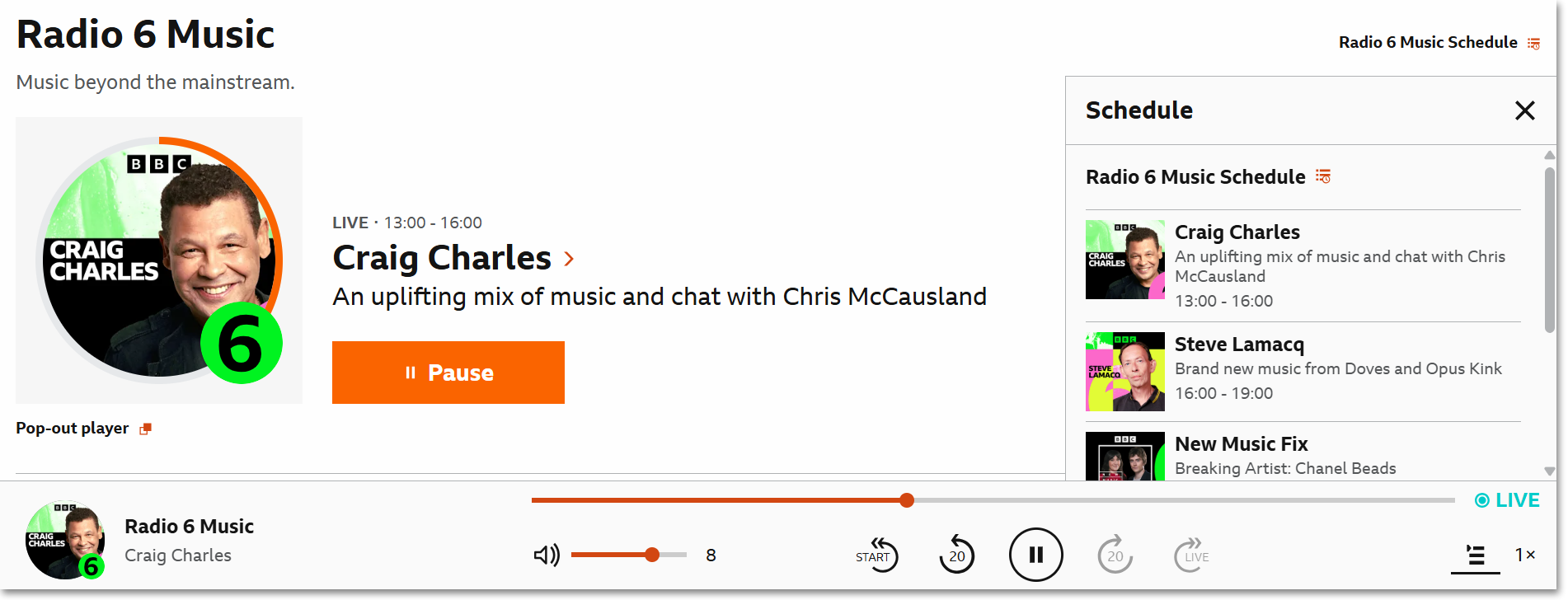
When listening live, the upcoming programmes in the schedule for that station can be found in the Play Queue. The full schedule for that station can be found in the Queue or on the live programme page.
On the BBC Sounds app
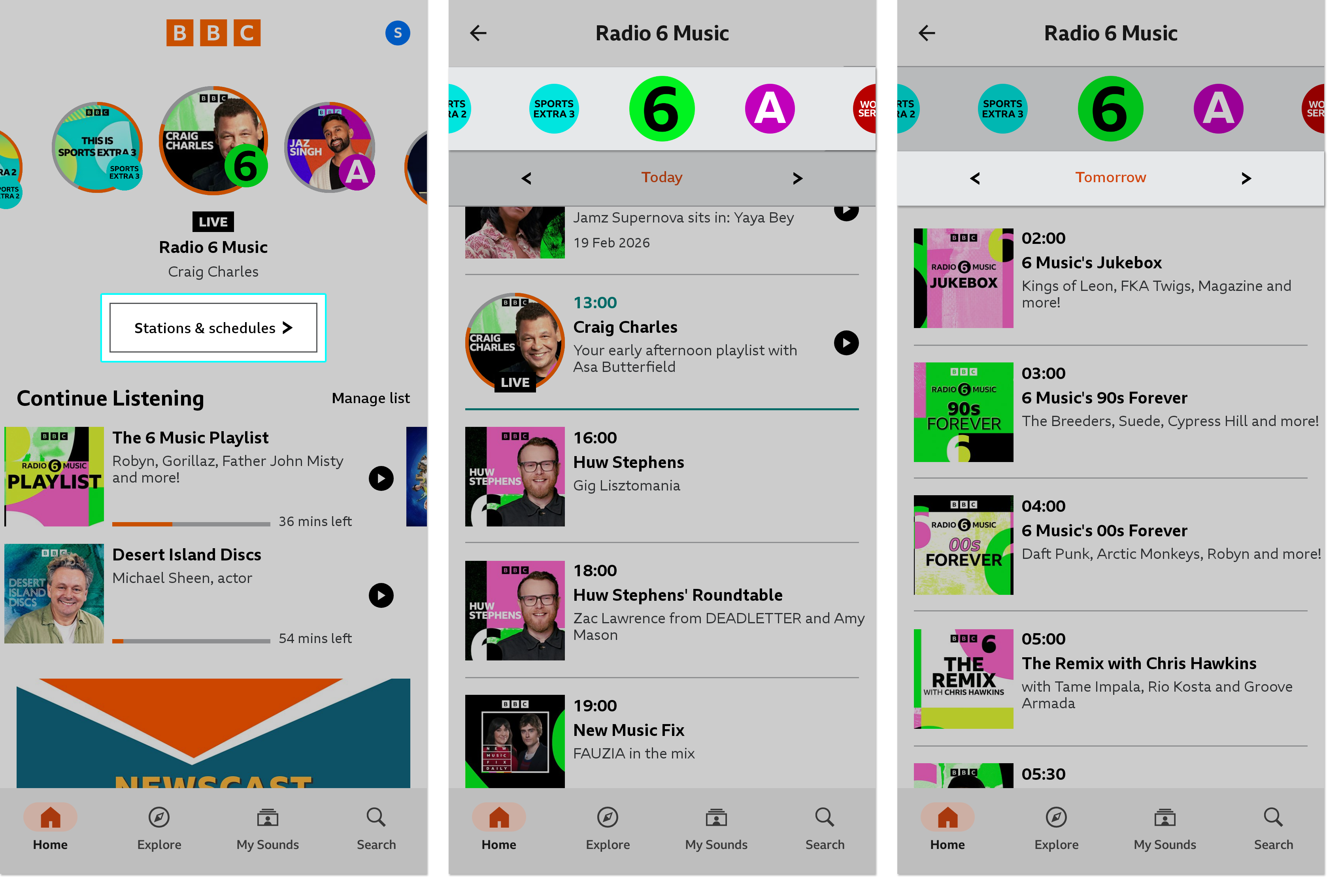
At the top of the homepage, tap 'Stations & Schedules.' This will default to the schedule for the station you last listened to live.
- Swipe across the stations at the top to see the schedule for each station.
- Swipe across or tap the arrows underneath the station to see the schedule for a specific date.
At the moment, schedules aren't available on the BBC Sounds TV app, however you can still listen to live streams and on-demand programmes, as well as your favourite shows in My Sounds.
