How to vote online

1. Get ready to vote
Before you can vote, you need to be signed in. You can sign in or register a new BBC iD easily.
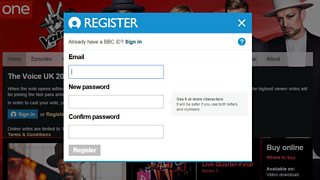
When you've done this, you'll come back to this page automatically. If you are already signed in you will stay on this page, you can check if you are signed in at the top of the page. Remember, you only need to register once. You will be able to use same BBC iD each week during the live shows.
2. Go to The Voice UK vote page

You'll be able to vote once all the artists have performed and the vote is declared open. When this happens, go to The Voice UK vote page. If you still need to sign in, you can do it there.
3. Vote
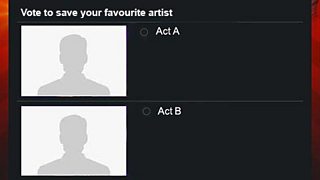
The artists will be listed in alphabetical order. Choose the artist you'd like to vote for by clicking the small circular button next to their names.
4.Scroll down and press 'Vote Now'
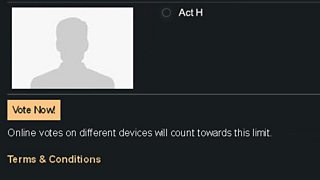
Scroll down click on the button marked 'Vote Now'. You have now voted.
Related Links

![]()
Terms and Conditions
Terms and Conditions for voting for series 5 of The Voice UK
![]()
Vote FAQS
Frequently asked questions about voting