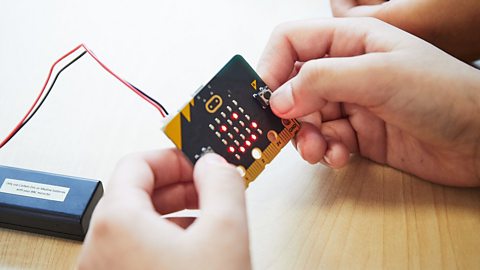
As part of our BBC micro:bit - the next gen campaign, we caught up with TV presenter and EduTuber Maddie Moate earlier this year to find out what we need to do to inspire the next generation of coders and why it’s time to dispel the myth that computer science is for boys – once and for all.
‘People are keen to make coding part of the curriculum’
Maddie Moate has been creating videos to spark curiosity in younger viewers for more than 10 years and has nearly 220k subscribers who watch her content online.
As much of her content is about science and other educational subjects, she’s regularly in touch with teachers but admits that the reaction to her involvement with the micro:bit campaign took her by surprise:
“I was overwhelmed by the amount of responses I got as soon as I announced that I was part of this new campaign. So many teachers replied and I think the speed at which teachers and schools signed up [for a free set of micro:bits] goes to show that people are keen to make coding part of the curriculum.”
Join Maddie Moate as she explains all about the BBC micro:bit. Please note that registration for free micro:bits closed on Monday 18 December 2023.
In this video, I'm going to tell you allabout this little thing, the BBC micro:bit,and why it would be a great thing to have in your schooland how you can get a set of 30 for free.
I had you at free, didn't I?
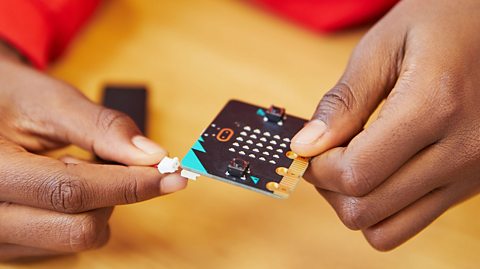
The micro:bit is a tiny programmable devicethat helps pupils to understand how computers workand learn to code using the language of computers.
With coding being part of the curriculum across the UKThe micro:bit can provide a really fun, easy, and creative wayof getting pupils using code as well as empowering themwith digital skills and inspiring them for the future.
Now, don't worry if you're not much of a coder,I can explain.So let's take a closer look.
The micro:bit is a piece of hardware.It can only do something when you tell it to,and you do this by writing a computer program using codewhich is called software.Microsoft's MakeCode is one of the most popular toolsto program a micro:bit and it's completely beginner friendly
When your code is ready,transfer it from your computer to the micro:bit with a clickof a button and simple as that it's ready to go.
I've used my micro:bit to make an activity selectorto pick between six random generated activities.
We've made rock, paper scissors using micro:bits.Rock, paper, scissors, shoot.
I've made a wildlife tracker to record how many birdsand squirrels I see using my micro:bit.
Over the last few years, the micro:bit has also been used to programsome pretty epic large-scale stuff too.Things like rotating a telescope at Jodrell Bank Observatoryand turning on the lights at Blackpool Tower.
The BBC micro:bit was created backin 2015 when a million micro:bits were givento children in secondary schools.
Now, since then, seven and a half million micro:bitshave been made and around42 million children in over 60 countries have used one.
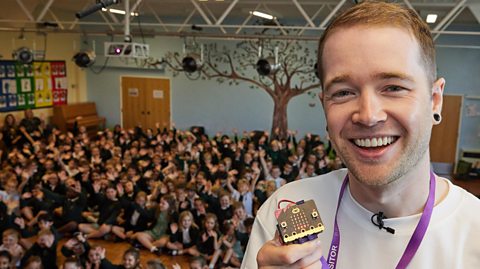
Now the micro:bit is launching in primary schoolsacross the UK, targeting eight to 11 year olds.
UK primary teachers can now register to receive a free packof 30 micro:bits to open up a whole new worldof learning and adventure through coding.
We want teachers to feel fully equippedand supported in using the micro:bit in your classroom.
There'll be free CPD available from the Micro:bit Educational Foundationand more bespoke training from partners across the nations.
And there are loads of easy coding projectsand lesson plans available from the Micro:bit Educational Foundation website.
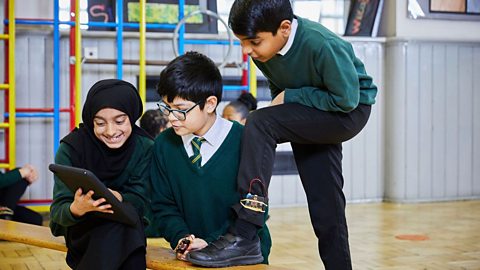
As well as being a whole lot of fun, the micro:bits help teachersto meet specific curriculum objectives in computing and technology,such as working with inputs and outputs in code,developing debugging skills, and creating algorithms.
The micro:bit can also be used in cross-curricular lessons.You can find inspiration online and lots of easy projects to get startedon the Micro:bit Educational Foundation website,as well as some fantastic new resources on the BBC from September.
Okay, so how do you get your hands on someof these cheeky little coding machines?
Well, all you have to do is sign up via the link below to receive your packof 30 free micro:bits for your school.
Why not make your school a micro:bit school?
‘It’s about realising that coding can be part of everyday life’
This enthusiasm from teachers comes at a time when there are reports a UK tech talent shortage could stifle growth within the sector.
Encouraging more young people to embark on careers in tech could play a part in helping to close this gap in the future and Maddie believes that children are never too young to start learning about computer science:
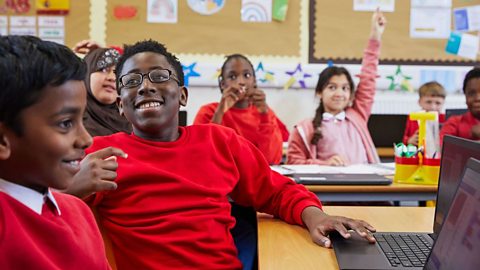
“I think it’s really important for primary school pupils to have a go at coding and to be given an opportunity to have a creative experience when doing so. The micro:bit does a really good job of teaching the basics but it also provides primary school students with a fun experience that can be used across subjects and I think that’s really important.
“It’s not just about teaching children computer science or how to code, it’s about realising that coding can be part of everyday life. You can use it in art or music or geography and I think when you use a micro:bit or teach coding in a way that is across the whole curriculum it starts to appeal to more and more young people and that’s really important.”
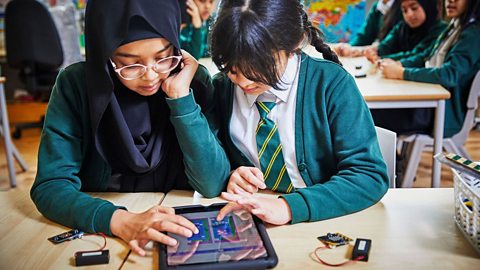
‘As children get older, science – especially computer science – can start to feel more like a boy’s subject which of course isn’t true’
Research has shown that factors such as socio-economic background can have an impact when it comes to children learning about coding with Ofsted’s 2022 report revealing that state schools with higher proportions of disadvantaged pupils were less likely to offer a GCSE in computer science.
The gap between genders is also pronounced with analysis of examination data from 2021 showing that there are disproportionately few girls in computer science, making up just 21% of entries at GCSE and 15% at A level.
Maddie believes it’s important to get the message out there that computer coding is for everyone. She told us: “We live in a world where we need engineers, computer scientists and coders from all walks of life and backgrounds and I think the only way we’re going to create that workforce of the future is if we inspire the young generation now to be excited and interested in that digital space.
“I feel like when children are younger – particularly in the early stages of primary school or even pre-school – they’re all interested in science. We are all naturally scientists anyway. All science is really is looking at the world around you and asking questions and going in search of answers. But I feel as children get older, science – especially computer science – starts to feel more like a boy’s subject which of course isn’t true.
“I hold my hands up - I am not a professional coder, I am not a trained computer scientist but I do like finding out about it and I do like giving it a go. So it’s nice to represent a woman in this field, whether that’s for young girls or teachers who might feel like this is brand new to them. I’m so happy to be a guinea pig in this space and represent those people.”

‘Learning to code is like learning a language’
When primary schools receive their micro:bits, many teachers will find themselves teaching coding for the first time and Maddie admits that can feel daunting:
“I think it’s only natural to be apprehensive about teaching anything for the first time, especially if it’s new to you. But I think that something I’ve realised having had a go with the micro:bit is that the learning process itself is really fun and if you’re able to embrace the fun of learning then that is something you can enjoy alongside your pupils who will also be learning for the first time.
“I often compare it to learning languages because learning to code is like learning a language - it’s just learning a language on a computer to help you make a piece of hardware do things. No one would expect you to be fluent in a language overnight and it’s exactly the same with coding. If you just take it step by step and recognise and enjoy the process of learning in baby steps then it’s suddenly so much more manageable.”
For more information about the micro:bit visit BBC micro:bit – the next gen campaign
The BBC is not responsible for the content of external websites. By clicking the link to access the external website you will be redirected to a site controlled by a separate organisation. Please note that the BBC is not the data controller of the personal data you enter into the external website and it is not responsible for the services provided by any external organisation. When using an external website, you are subject to their Terms and Conditions and Privacy Policy.
This article was written in June 2023 and updated in October 2023.
More from BBC micro:bit - the next gen
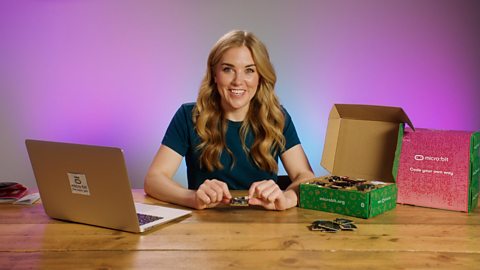
What's inside the micro:bit box? video
Watch an unboxing video and find out how to get coding in less than 60 seconds.
Training resources for teachers
Find out about the free courses - both online and in-person - to help primary schools teach about the micro:bit.
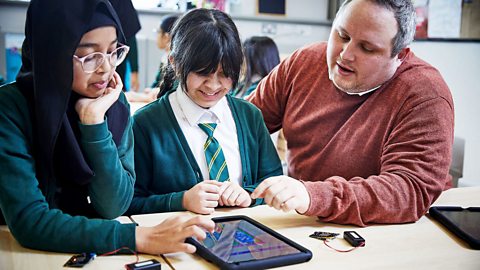
Classroom resources
Check out resources that will help you get ready once you receive your micro:bits.
Quiz: Is your coding knowledge better than a primary school pupil's? quiz
See how you score in our fun quiz that's based around the primary school curriculum and beyond.
DanTDM on why coding is an important skill for young people
YouTuber DanTDM tells us why he wanted to take part in the BBC micro:bit - the next gen campaign.
About the micro:bit
Find out everything you need to know about the BBC micro:bit.
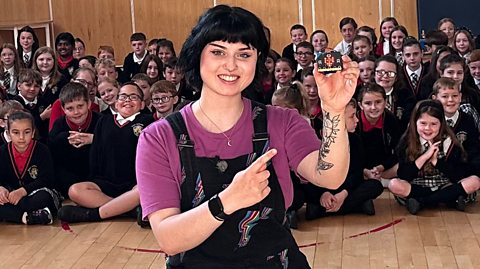
Surprise! Celebrities deliver micro:bits to primary schools
Find out what happened when celebrities including Blue Peter's Abby Cook surprised school pupils around the UK.
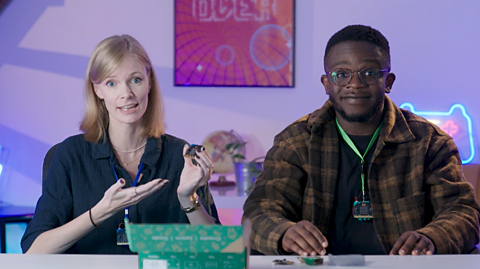
Assembly video. video
Watch along with your class as gamer FalseSymmetry and Newsround's De-Graft unbox the BBC micro:bit and explain some of the exciting features and activities.
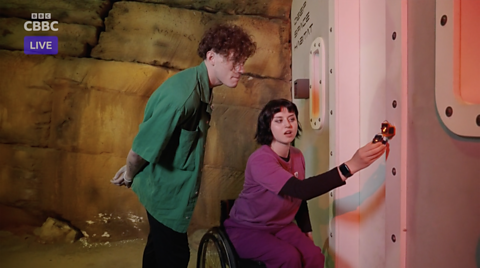
Behind the scenes of Blue Peter's micro:bit challenge
Blue Peter presenters Abby and Joel take part in an escape room challenge powered by micro:bits.
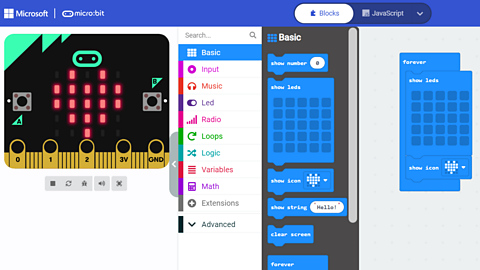
Coding made easy with the MakeCode platform
Find out more about using MakeCode and the training resources available to get you started.
FAQs
Get the answers to all of your questions about the micro:bit.
Our partners
Find out more about the organisations supporting our micro:bit initiative.