Radio 1 DJ Dev meets electro and dance music producer Kito. She explains how to turn your bedroom into your own digital audio workstation (DAW).
Video summary
Radio 1 DJ Dev meets electro and dance music producer Kito. She explains how to turn your bedroom into your own digital audio workstation (DAW).
Kito demonstrates how a sound is represented as either a waveform or as editable MIDI notes once it’s in your computer. She explains the key to making music is through experimentation, and the best way to learn is to just to give it a go.
Teacher Notes
Use music software or hardware to create a piece of music. Students could be provided with optional starting points such as a bass line, chord progression or note pattern. Compositions could use MIDI instruments and possibly have vocals recorded on top, if the resources are available.
This clip will be relevant for teaching Music and appears in OCR, Edexcel, AQA, WJEC, KS3, KS4 and GCSE in England and Wales, CCEA GCSE in Northern Ireland, and 3rd and 4th level, as well as SQA National 4, 5 and Higher in Scotland.
Sharing and remixing music. video
Dev from Radio 1 meets DJ Monki to get advice on how to remix a track.
Using digital audio effects. video
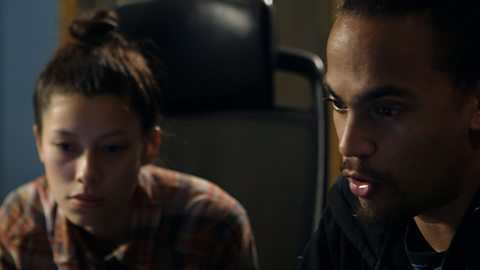
Dev meets music producer Starsmith to discuss using digital audio effects.
Using loops and samples. video
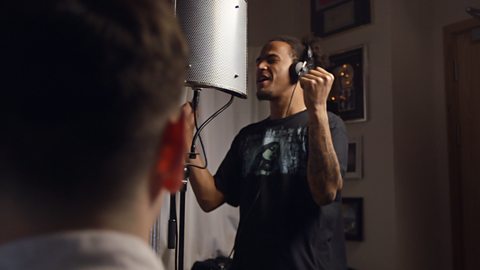
Dev challenges Happa to make a piece of music using samples.