To use the pop-out Radioplayer console to listen live, choose a live stream and look for the 'Pop-out player' button underneath the programme name and image.
This will open a new mini window and start playback in the pop-out Radioplayer console. 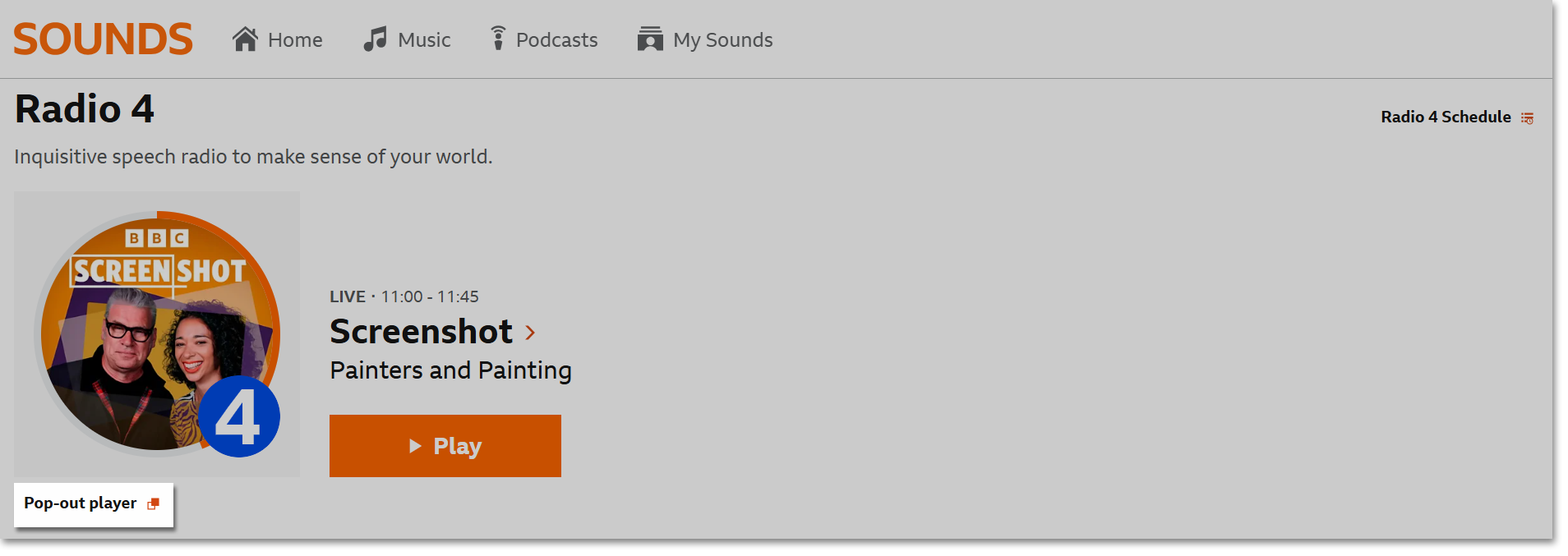
To close the pop-out player, click the 'x' on the top right. This will close the browser window.
