NIN: NIMC Mobile App download, how to print National identity card online plus oda tins to know about di National ID card Commission App
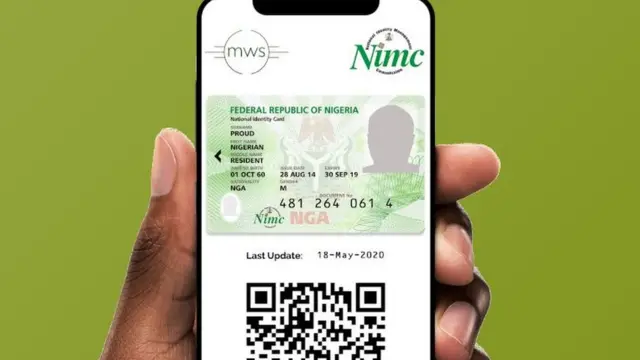
Wia dis foto come from, NIMC
Published
Di National Identity Management Commission (NIMC) don begin encourage Nigerians to use dia NIMC Mobile App wey dem newly launch to take get dia National Identification card or use in place of physical ID card.
NIMC tok say di App dey easy to navigate, get some good features and pesin wey wan use am must don get im National Identification Number (NIN) to fit access di NIMC Mobile App.
According to NIMC, you dey permitted by di Nigeria communications Commission(NCC) to link up to 7 devices with Nigerian- registered mobile numbers to your NIN (Mobile phones for now)
How to get and use di APP
First of all, you fit download di App through Google Play store if you dey use Android phone or through Apple App store if you dey use I phone.
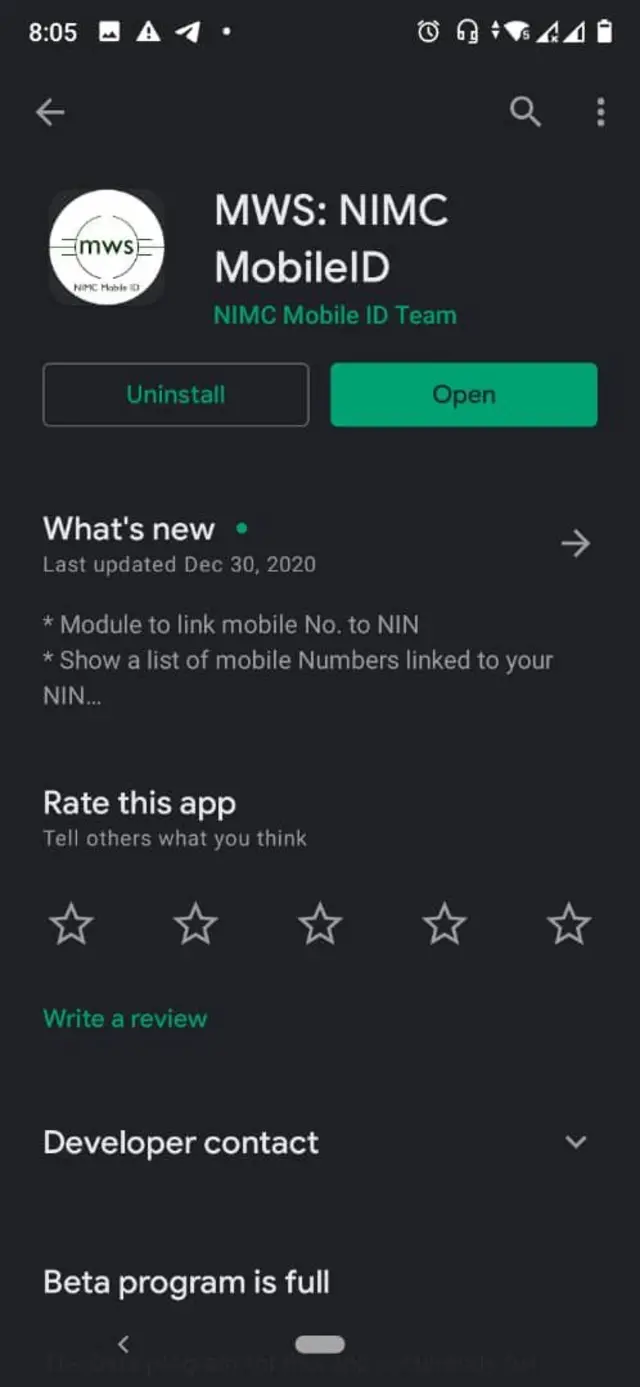
- Afta you don install am for your phone, go di bottom left and click on Skip then Begin
- Put in your 11- digit NIN number and press Next, then later I Agree
- Di mobile number wey you use take register for your NIN go pop up togeda with two questions;
- I am still using dis Mobile Number
- I no longer use dis Mobile number
- Click on di one wey correct among di two questions and press Next
- If you still dey use di same mobile number, make you enter di User ID and OTP wey dem send come your phone through SMS and then press Proceed. But if you no dey use di mobile number again, you need to visit any NIMC office to update your mobile number to fit continue with di process.