NIM SIM Registration: How to check your National Identification Number NIN from your mobile phone
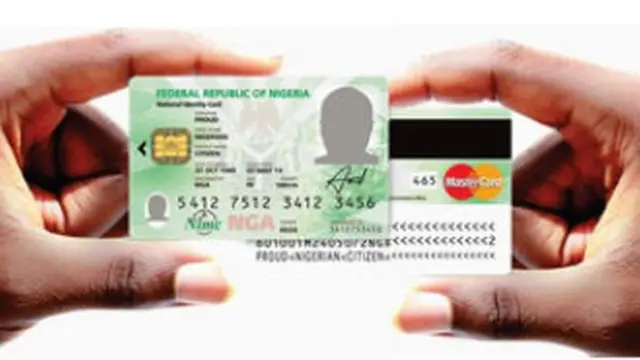
Wia dis foto come from, National Identity Management Commission
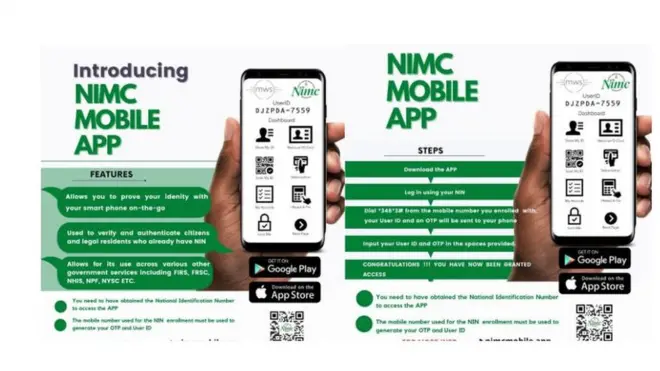
You fit check your National Identification Number NIN just by using USSD code on your phone.
Di National Identity Management Commission ask Nigerians to use dial *346# to retrieve dia NIN number.
Dis dey come as Nigerian Communications Commission [NCC] give two weeks deadline for subscribers to provide valid National Identification Number (NIN) to update SIM registration records.
Di USSD code dey available for customers wey dey use MTN, Airtel, 9mobile and Glo network.
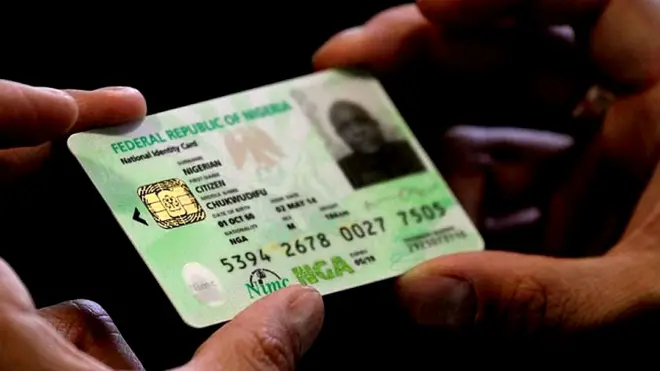
NCC bin introduce new measure for mobile phone SIM users and part of am na compulsory update of valid National Identification Number [NIN].
For subscribers wey neva do registration for di National Identity Card, dis na di step by step guide on how to go about am.
Step 1
- Fill di NIMC Pre Enrolment online form for di NIMC portal https://penrol.nimc.gov.ng/loginForm.tpl.html.php
- Put di correct informate for all di mandatory fields for di form.
- Download and print your Pre Enrolment Slip.
Step 2




End of Di one wey oda users dey read well well
Submit Your Application
- Waka enta di nearest NIMC Registration Centre wit any one of di following Original and Valid supporting documents.
- For di Enrolment Center dem go direct you to one counter wia Enrolment Officer go verify all di details ontop your application.
- If your application dey in order, Enrolment officer go guide you to proceed wit di capture of biometrics (ten finger prints and facial image) and you go collect di Transaction ID Slip as evidence of di transaction.
Step 3
Collect your NIN
- Di normal time frame to get your National Identification Number (NIN) Slip na within 2 to 3 working days from di time wey you capture your biometric details for di enrolment centers.
- Di issuance of NIN fit take longer time for some cases sake of validation of details for NIMC.
- You go need keep di Transaction ID Slip very well to fit present am at di time of collection of NIN Slip.
How to know if your Nimc card don ready?
Visit the National Identity Management Commission [NIMC] website- www.nimc.gov.ng
Scroll down di home page and click on 'e-ID Card Status Portal' to check if your card don ready and if e dey for activation centre.
Afta, fill in your first name, last name and your NIMC check tracking ID and hit di 'check now' icon button.