Ian says, write a Proms poem!
Blog comments are currently unavailable. Find out more.
Post categories: Proms
 |15:11 UK time, Thursday, 30 June 2011
Ian McMillan I’m just gearing up for an enjoyable Summer reading poems; I know I’d do that anyway, sitting in my hammock devouring new pamphlets and slim volumes, but this year will be even more exciting because I’m judging the Proms Poetry Competition alongside the former Childrens’ Poet Laureate Michael Rosen. He’s not literally alongside me, of course. My hammock isn’t that wide!
I work a lot with musicians (I’m just back from Holmfirth where the new piece I’d written for choir and brass band with my composer friend Luke Carver Goss was performed for the first time as part of the Holmfirth Festival) and I love the way that words have to work hard to describe or illuminate music and, on the other hand, music has to bend and flow to accommodate words.
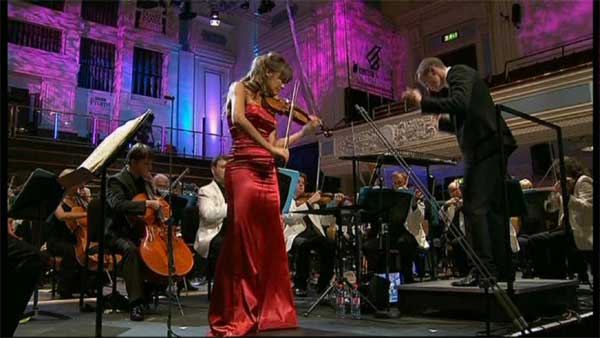
That’s the idea behind the Proms Poetry Competition, I guess: we want people to have a go at writing a poem based on a piece of music performed at this year’s Proms. The poem could be a description of how the music makes you feel, it could be an exploration of the actual event, it could be a memory provoked by the music. Any of these approaches are possible as long as the poem relates to the music in some way.
I know that, as a judge, I’ll be looking for poems that startle me, I’ll be looking for different approaches and sideways glances and new ways of treating an old favourite. What I’m especially looking for are poems from people who’ve never written a poem before, who somehow feel tickled by the idea of responding creatively to one of the greatest festivals of creativity in the world.
There are three age categories: 7-11, 11-18 and 18 to infinity, and, in a separate initiative, I’ll be running a couple of workshops on the 30th of July for families who fancy having a go at writing something that may well be performed later on by the chorus of the Family Orchestra.
Go, on, have a go. You know you want to. My hammock awaits!