Wallpapers
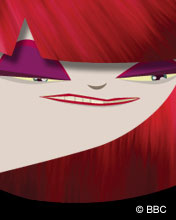
Brighten up that boring computer desktop or mobile phone screen by downloading some fantastic images, courtesy of your favourite disability website! We've got a series of exclusive pics from Ouch's very own cult doodler, Andre Jordan, whilst our very own Disability Bitch is featured in a selection of characteristic scenes designed by artist Curtis Holder. They're available in a variety of screen sizes, and are quick and easy to install. You can find full instructions for Windows and Macintosh computers, plus mobile phones, at the bottom of the page.
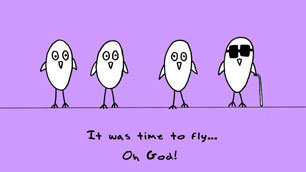
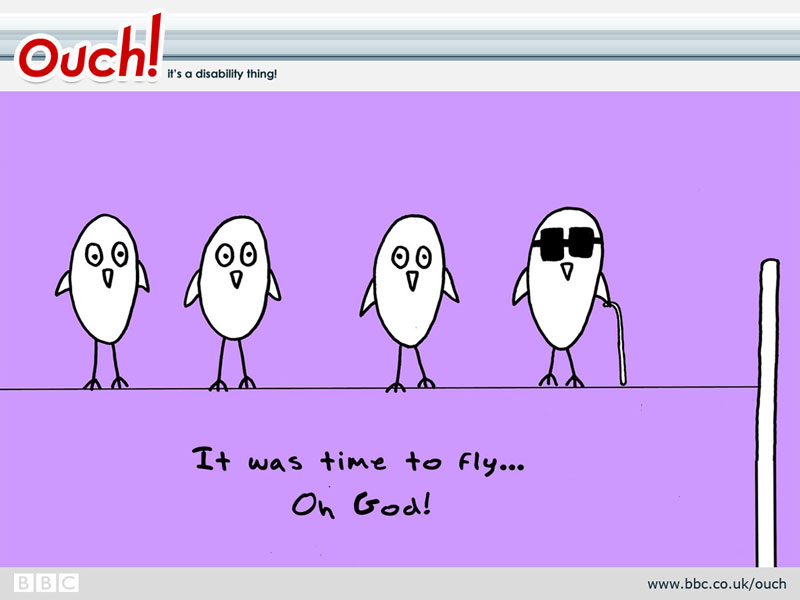
The Blind Bird
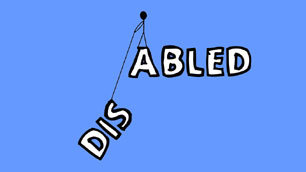
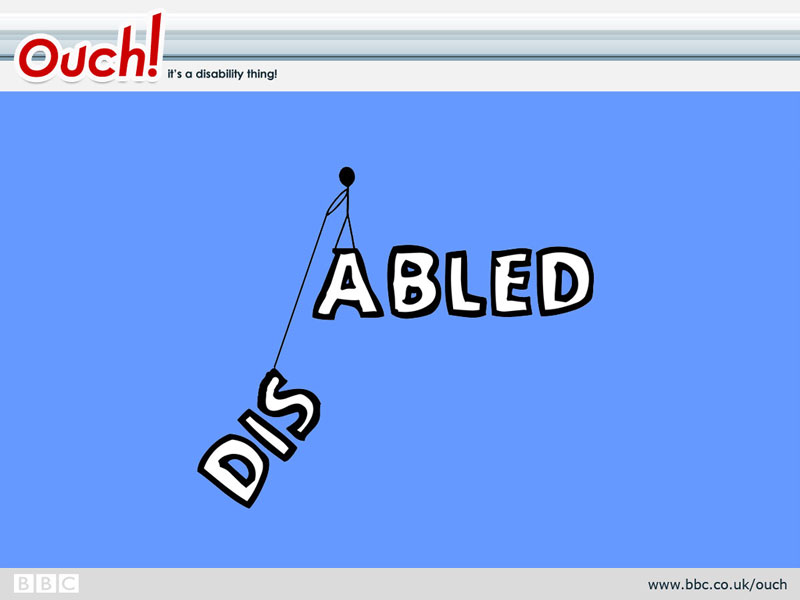
Dis ... abled

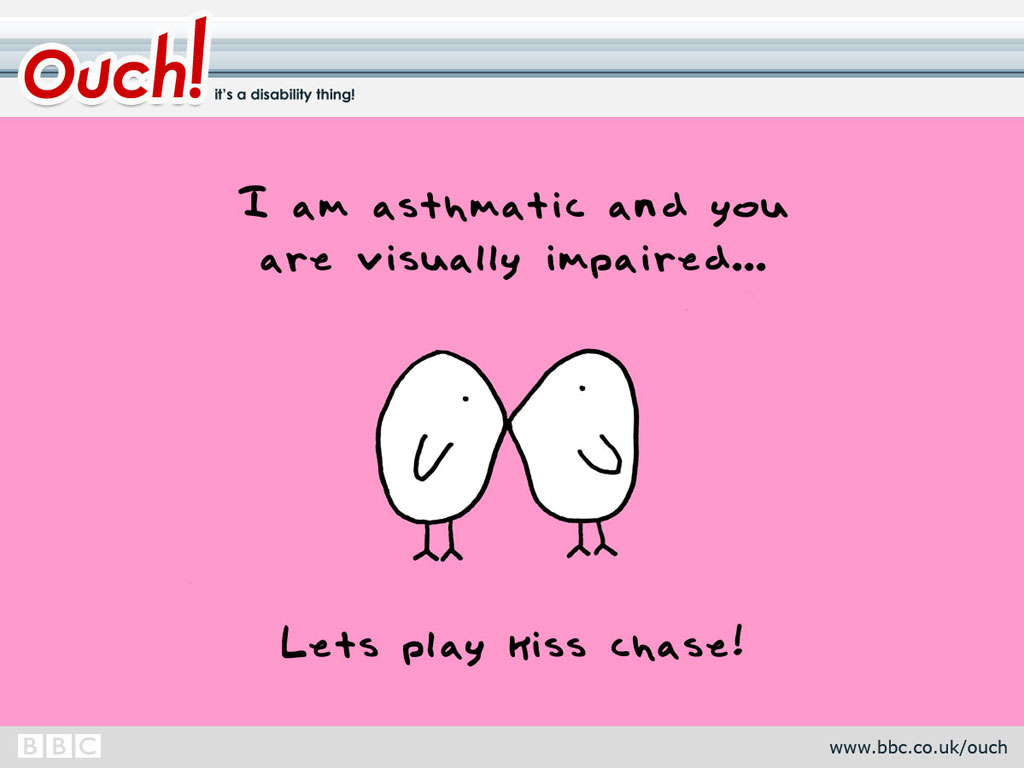
Kiss Chase
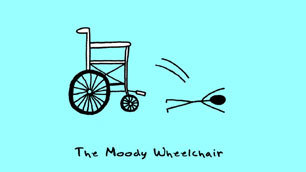
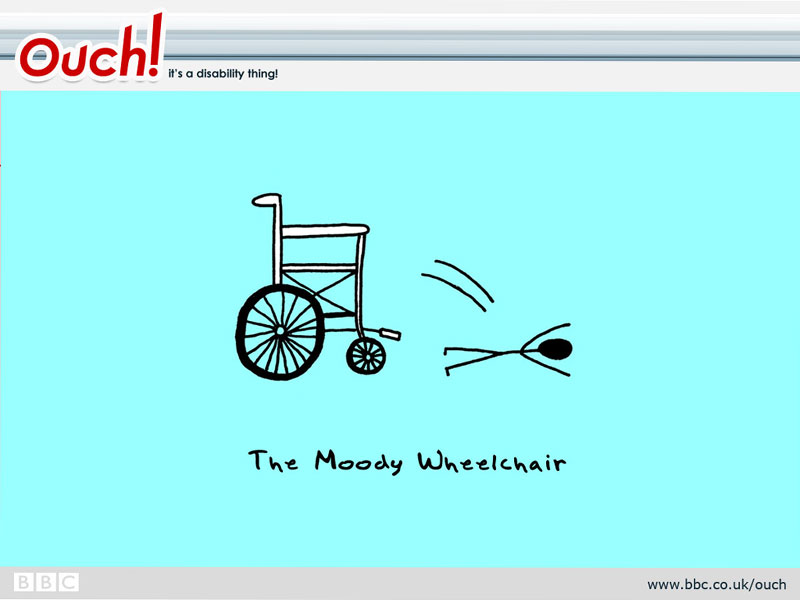
The Moody Wheelchair

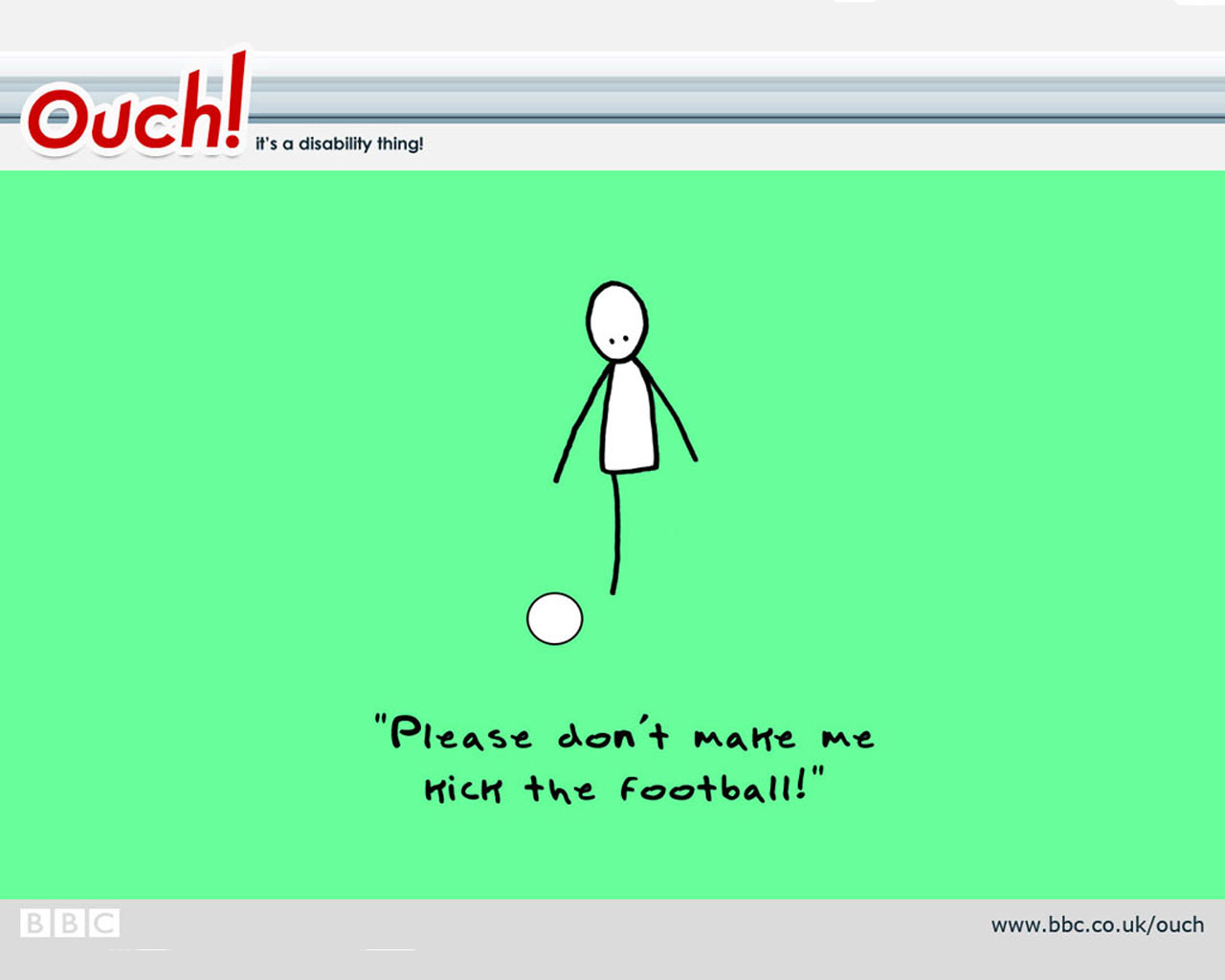
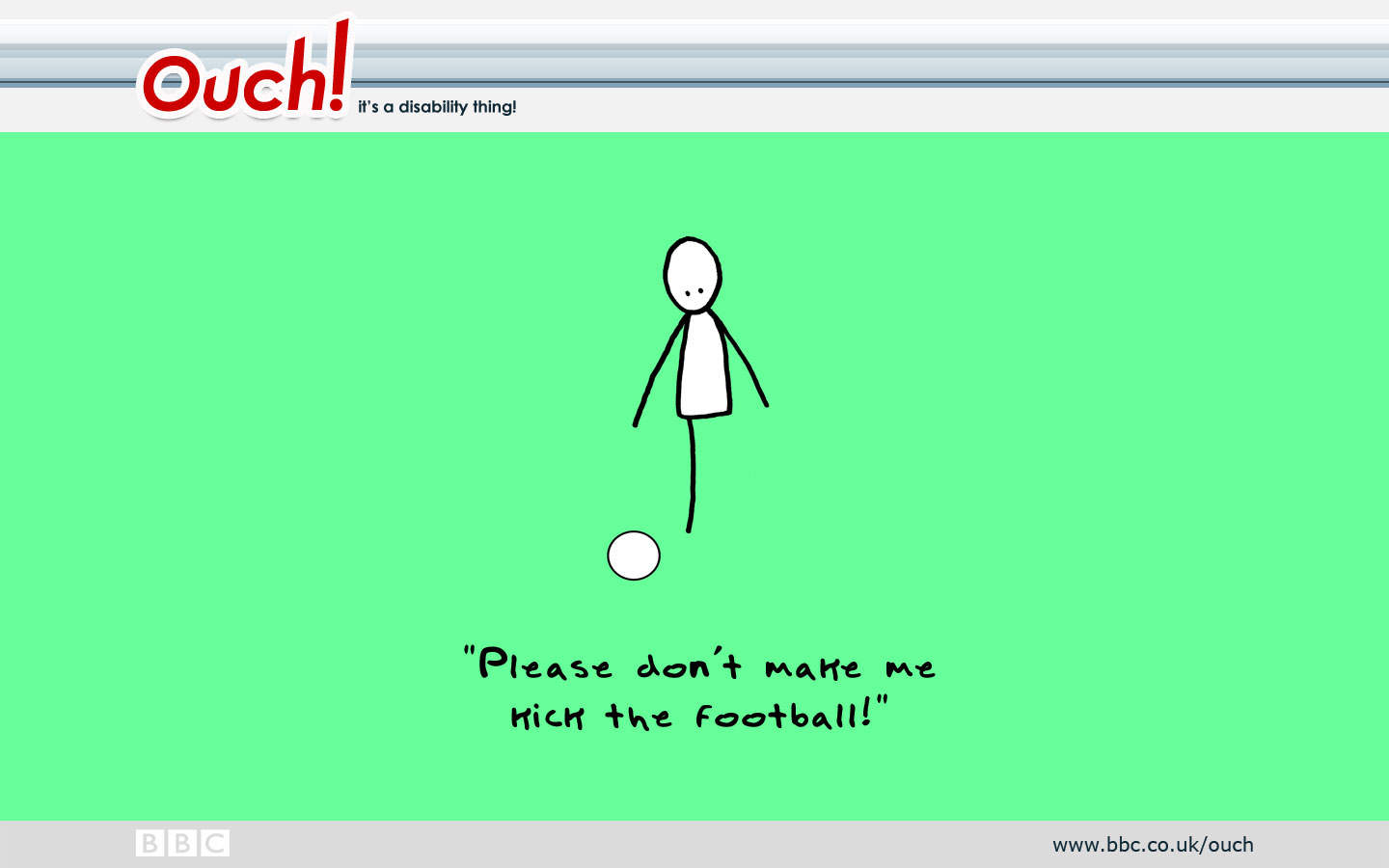
The One-Legged Footballer
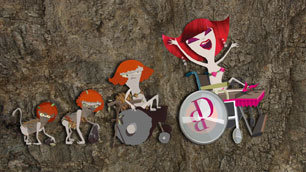
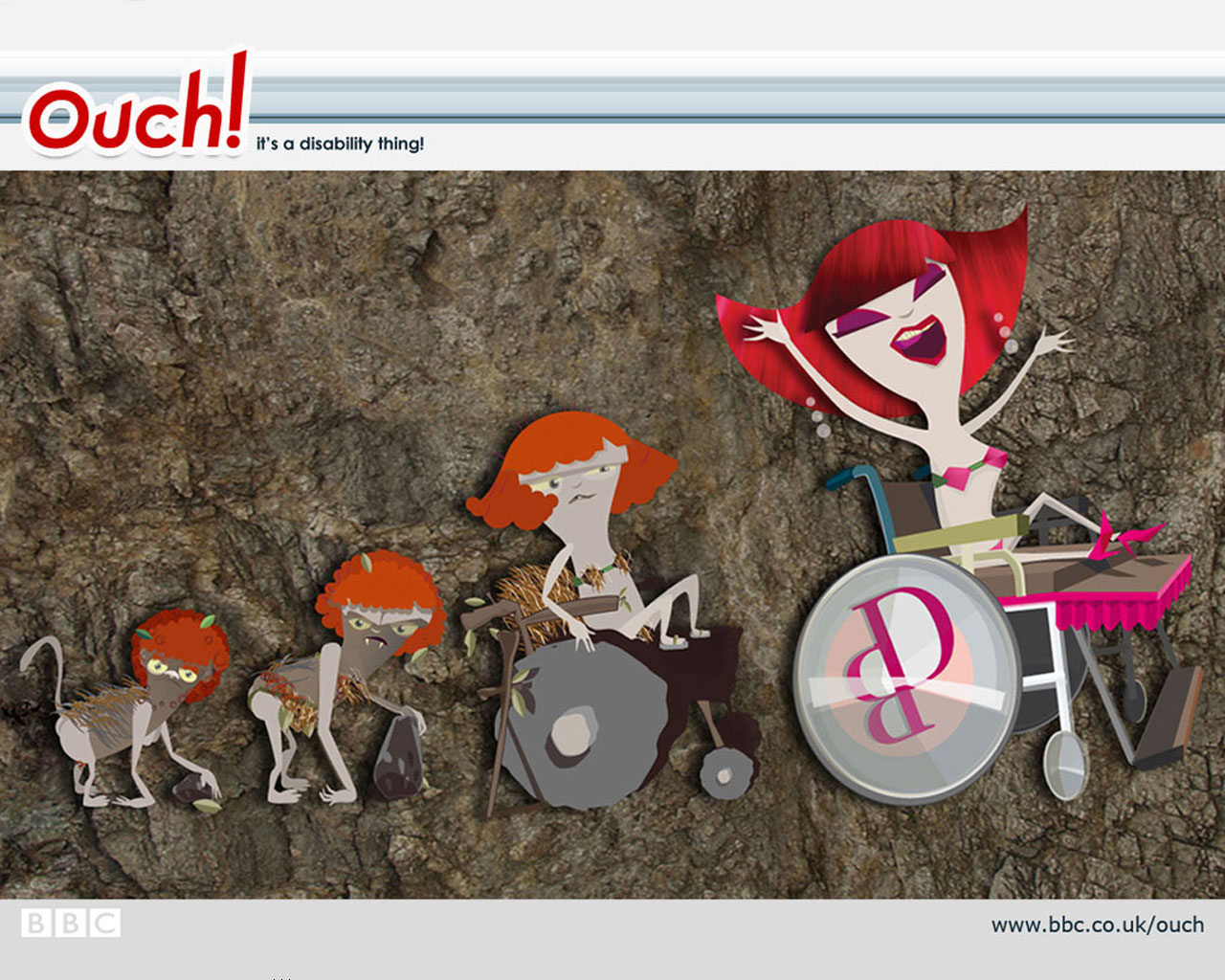
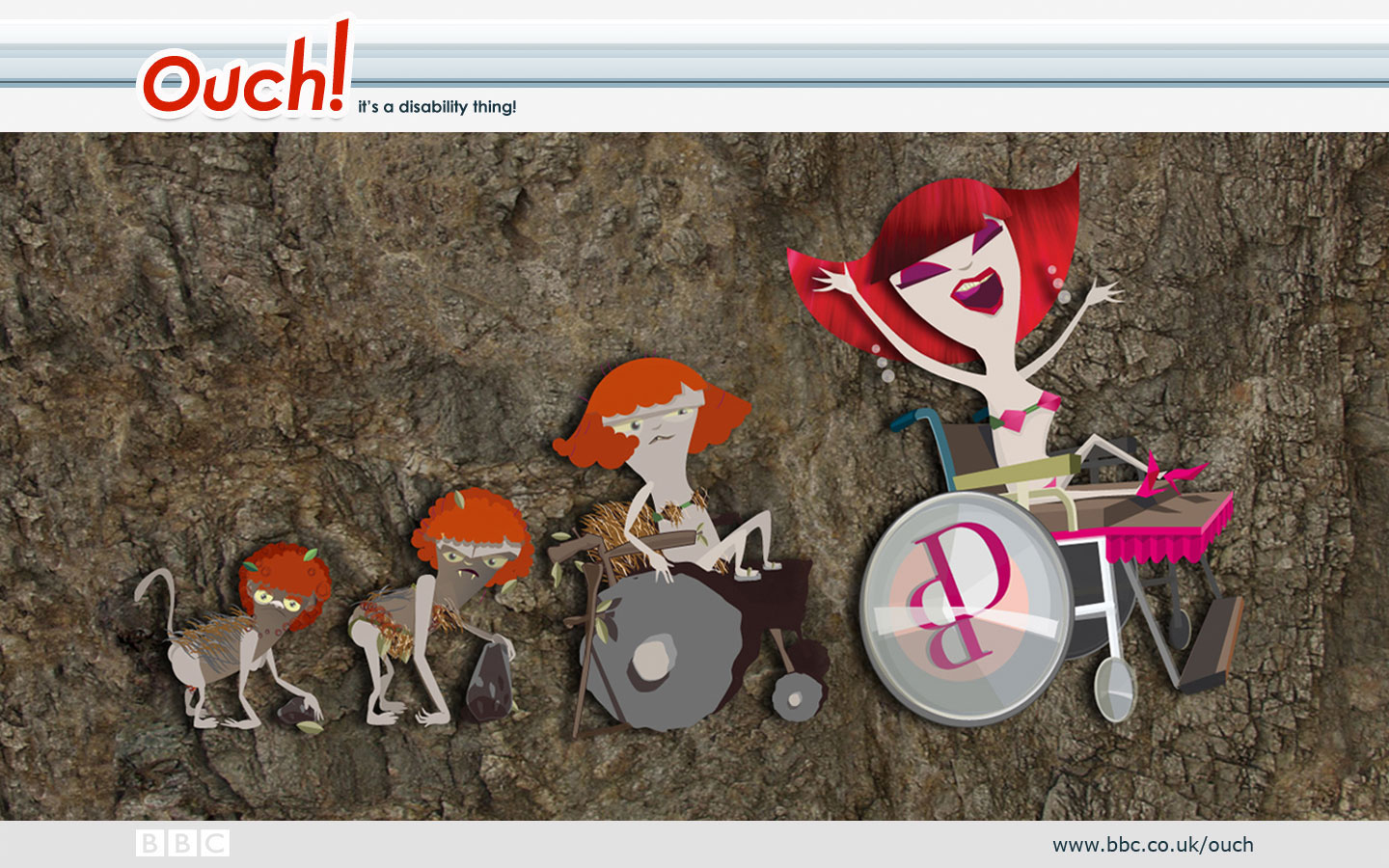
The Ascent of Disability Bitch
In the style of a cave painting, it's the evolution of DB, from monkey through the prehistoric and Stone Age, to the supreme being we all know and love today.
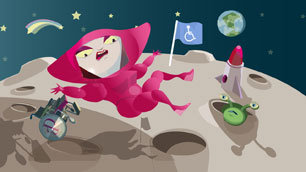
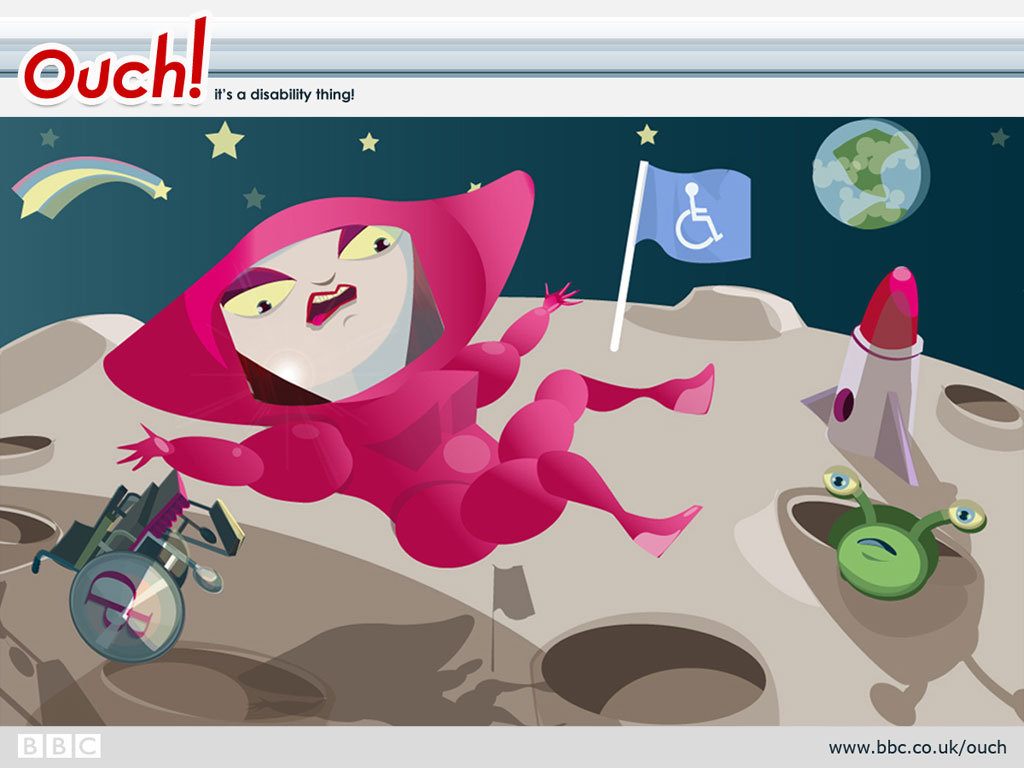
Disability Bitch on the moon
She's made her mark on planet Earth, and now it's time to spread the DB message to the moon, complete with a lipstick-shaped rocket and a disability flag for our interplanetary Bitch to plant on the surface.

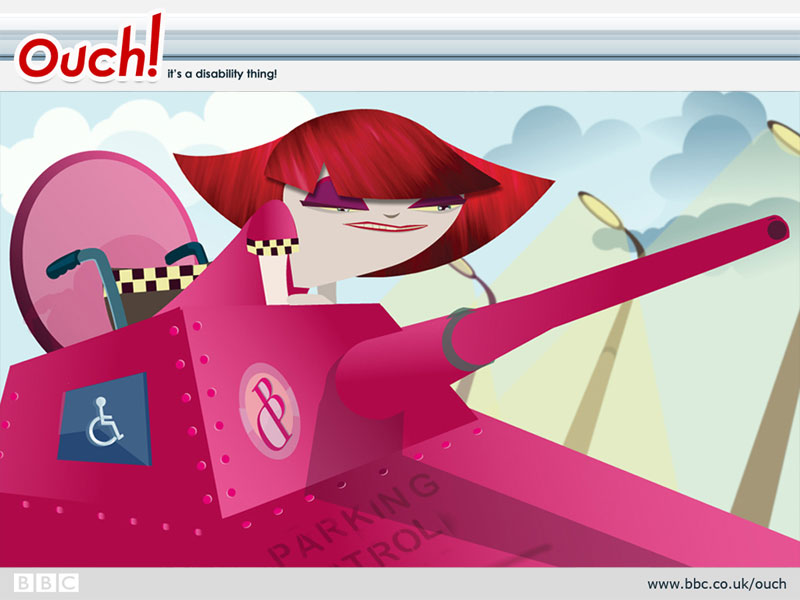
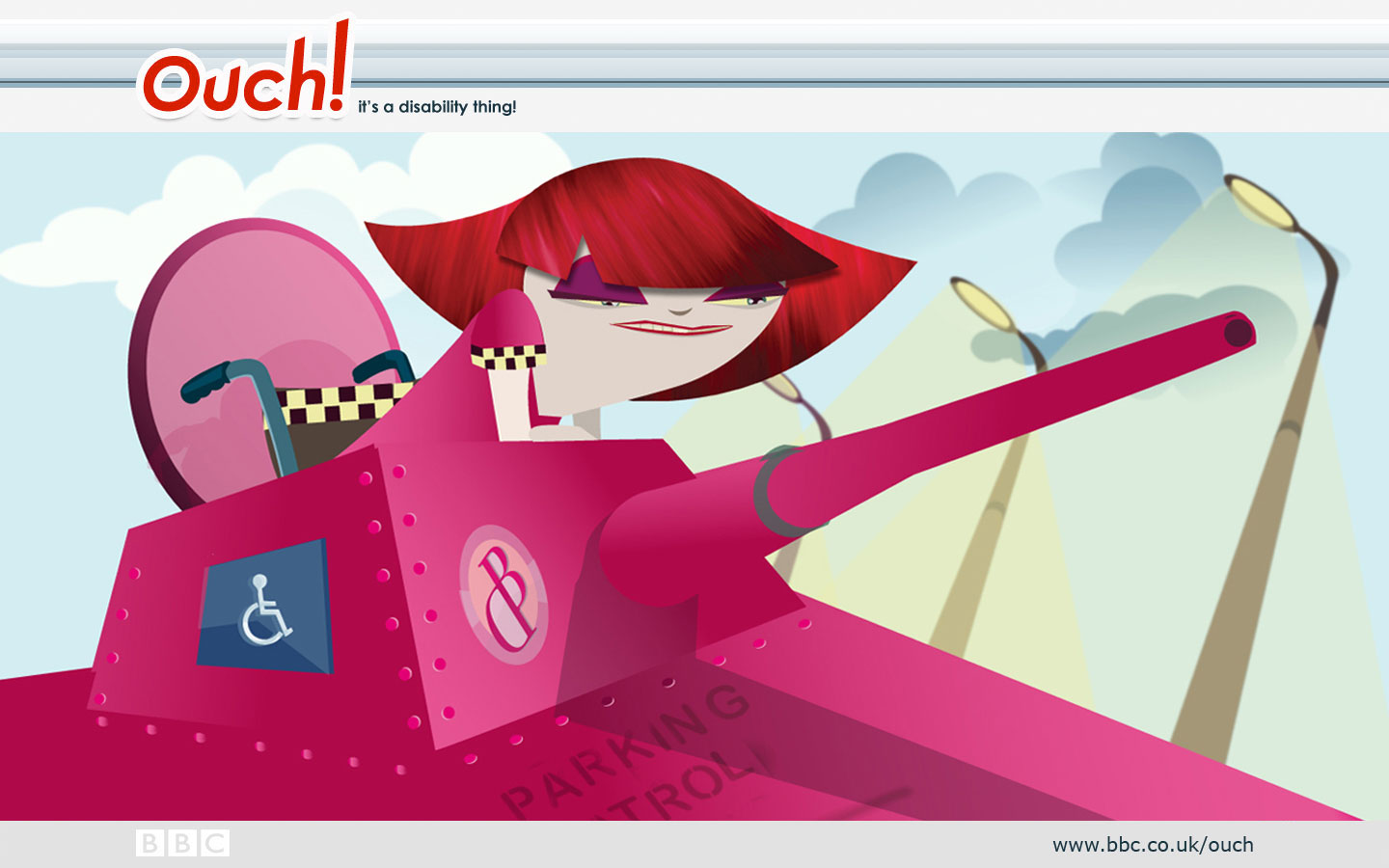
Disability Bitch's parking patrol
Illegal use of disabled parking bays is a big problem, as we all know too well. So here is DB's radical solution, involving her own bright pink 'Parking Patrol' tank, complete with blue badge. She'll show no mercy!
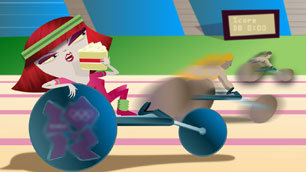
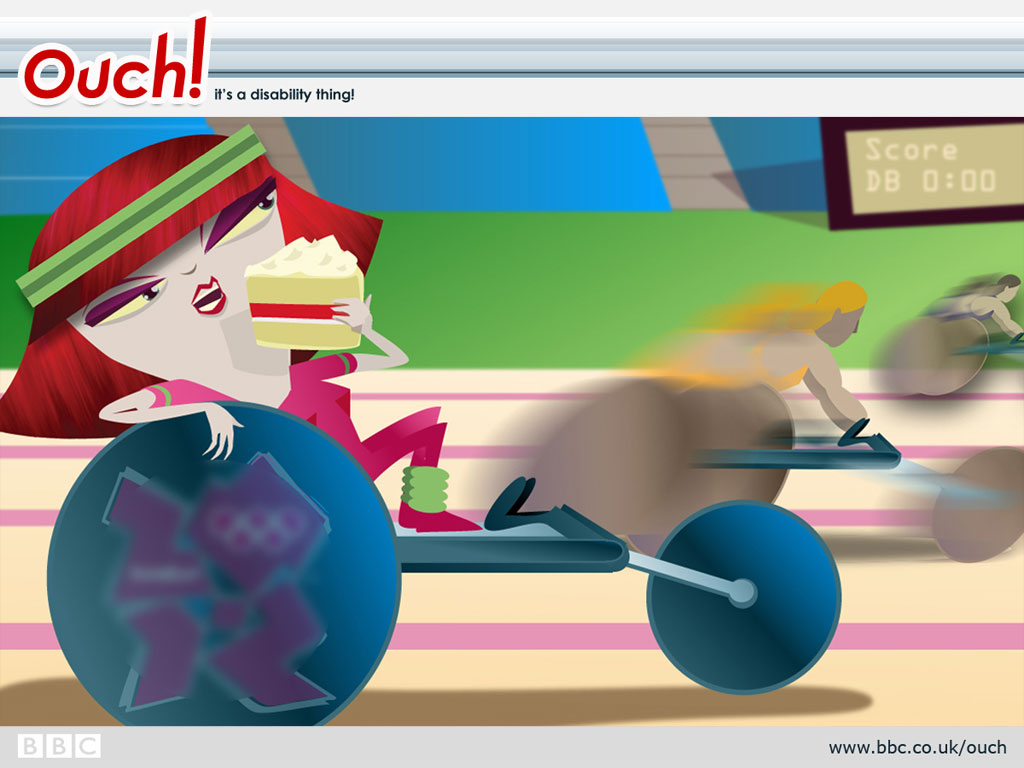
Disability Bitch's wheelchair race
Hang on, what's this? Disability Bitch competing in a wheelchair race? But she hates sport! Well, she's decided to compete, but in her own inimitable style - watching the other athletes zoom by, while she eats cake.
Disability Bitch mobile wallpapers

DB does not like to be ignored, so keep her with you at all times by downloading and installing one of five mobile phone wallpapers featuring Ouch's most fearsome columnist. The result is instant disability cool. Click the links to reveal each image in all its glory.
Windows users: downloading instructions
- Click on the right size for your desktop.
- A window displaying the full sized image will appear.
- Right click the full sized image and select 'Set as wallpaper'.
Mac users: downloading instructions
- Click on the right size for your desktop.
- A window displaying the full sized image will appear.
- Click and drag the picture out of your browser and onto your desktop.
- Open the 'Appearance' Control Panel.
- Click on the 'Desktop' tab and then the 'Place Picture' button.
- You can now browse and select the picture file you downloaded.
- Finally, click the 'Set Desktop' button and then close the control panel.
Mobiles: downloading instructions
- Click on the links to preview the wallpaper in your web browser.
- Choose the correct size for your mobile, then right click and save the image onto your computer.
- Use the software and instructions that came with your mobile phone to transfer the file to the relevant folder on your phone.
More articles about
Bookmark with...
Live community panel
Our blog is the main place to go for all things Ouch! Find info, comment, articles and great disability content on the web via us.

Listen to our regular razor sharp talk show online, or subscribe to it as a podcast. Spread the word: it's where disability and reality almost collide.
More from the BBC

All the latest news from the paralympics.

News and views for people who are blind or partially sighted.

Weekdays 12.40pm. Radio 4's consumer affairs programme.