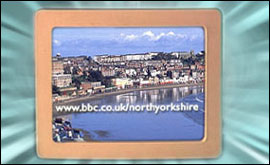
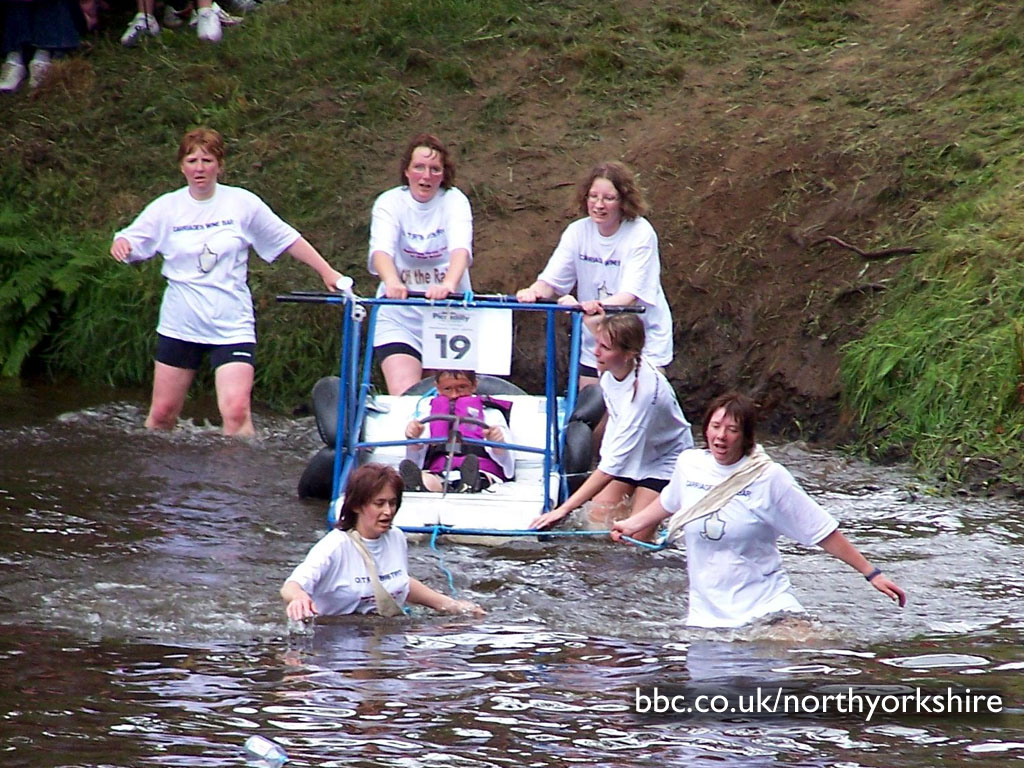
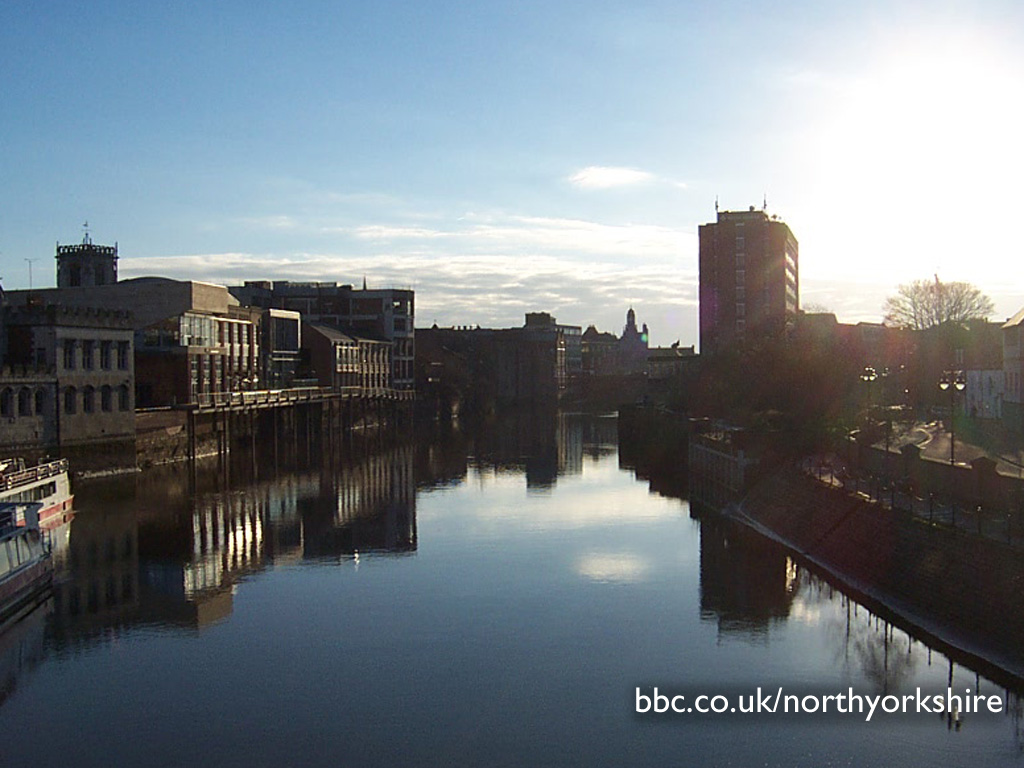
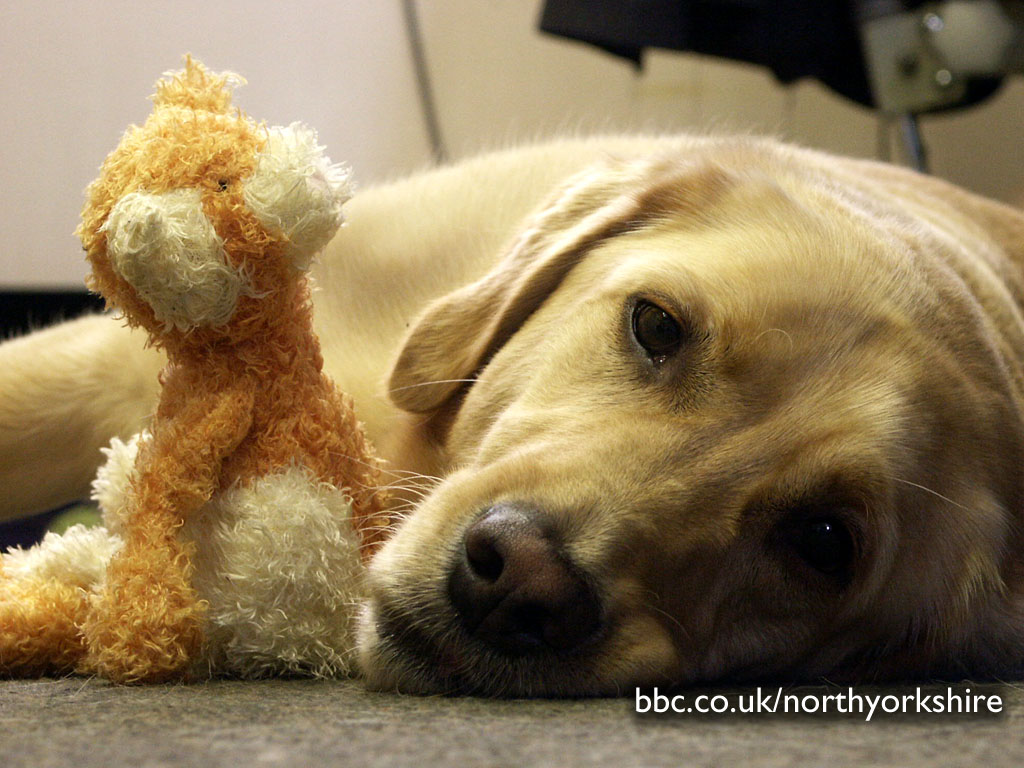
Here's a selection of superb desktop backgrounds for you. Decide which one you like, then check the instructions on how to download. Millennium Bridge in York by Christine Donnelly | | Knaresborough Bed Race 2004 |  |  | 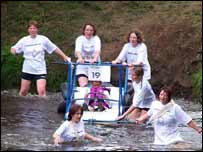 | | |
| | | | | | Brompton-Hambleton Church: Harry Cooke | | Dales nr Redmire: Matt Seymour | 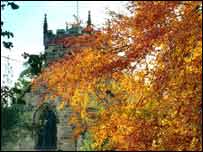 | | 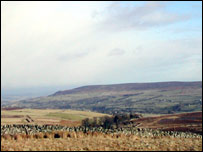 | | |
| | | | | | River Ouse in York | | A foggy morning nr Snainton | 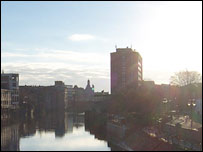 | | 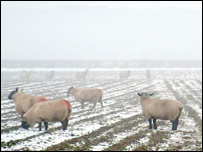 | | |
| | | | | | George |
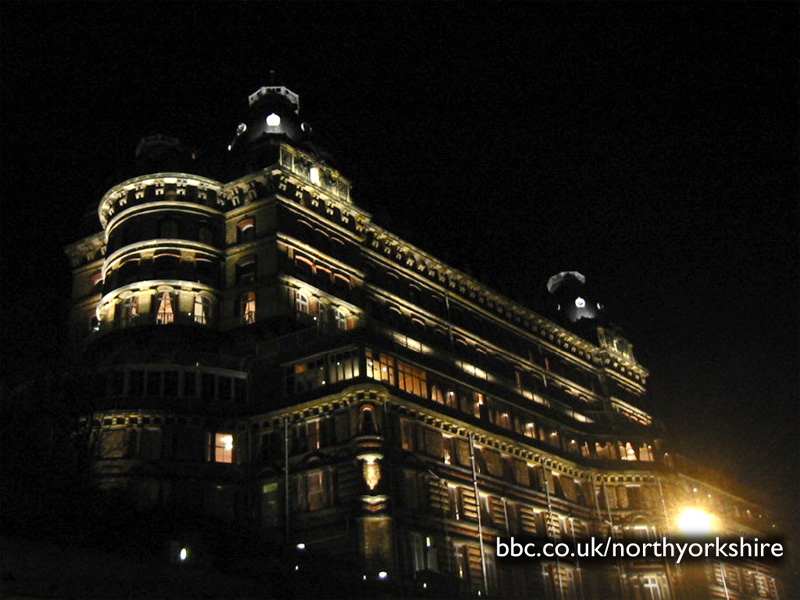
| Grand Hotel - Scarborough: David Ambridge |  | | 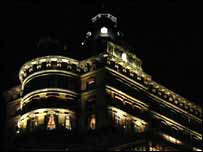 | | |
| | |
Instructions If you have a PC with Windows and Internet Explorer installed...
1. To start with, if you aren't brilliant with computers, is it's really easy to do! 2. First check what screen size you are using. If you don't know go to your desktop and right click. Select Properties, then click the "settings" tab. Your screen size will be shown in pixels under the "Desktop Area". 3. Next, choose a picture you like and click on the screen size that's nearest your own beneath it. 4. You will get a big version of the picture appear in another browser window. 5. Make sure your mouse pointer is over the large version of the picture, and click the right hand button on your mouse. 6. You will get a list of options appear - select "Set as Wallpaper". All done! Back to the top
Mac OS Users...
1. Check your screen size. 2. Next, choose a picture you like and click on the screen size beneath it and wait for it to load. Then hold the mouse button down so that a menu appears. Netscape users select 'Save this link As...' and Internet Explorer Users select 'Download Link to Disk'. Save the file to your desktop. 3. Move the downloaded wallpaper file ("name".jpg) into your wallpapers directory. First time users make a directory at the top level of your hard disk called 'Wallpapers' and move it there. 4. Click on the Apple menu, then select 'Control Panels > Desktop Pictures'. A window will appear. On the left-hand side hit the 'Picture' button. On the right-hand side hit the 'Select Picture' button. If you have a 'Remove Picture' button instead of a 'Select Picture' button hit this and your current desktop wallpaper will be removed, the 'Select Picture' button will now appear. A file selector box will appear, choose your wallpapers directory and then the wallpaper file ("name".jpg). Hit open followed by 'Set Desktop'. Back to the top |