To install wallpaper, tell us what type of system you use :
I have a PC
I have a MAC
I have a PC
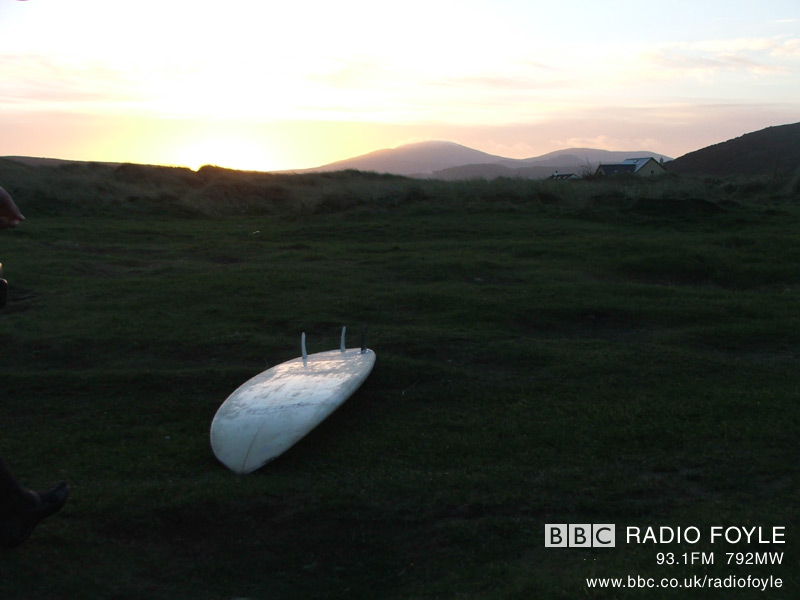
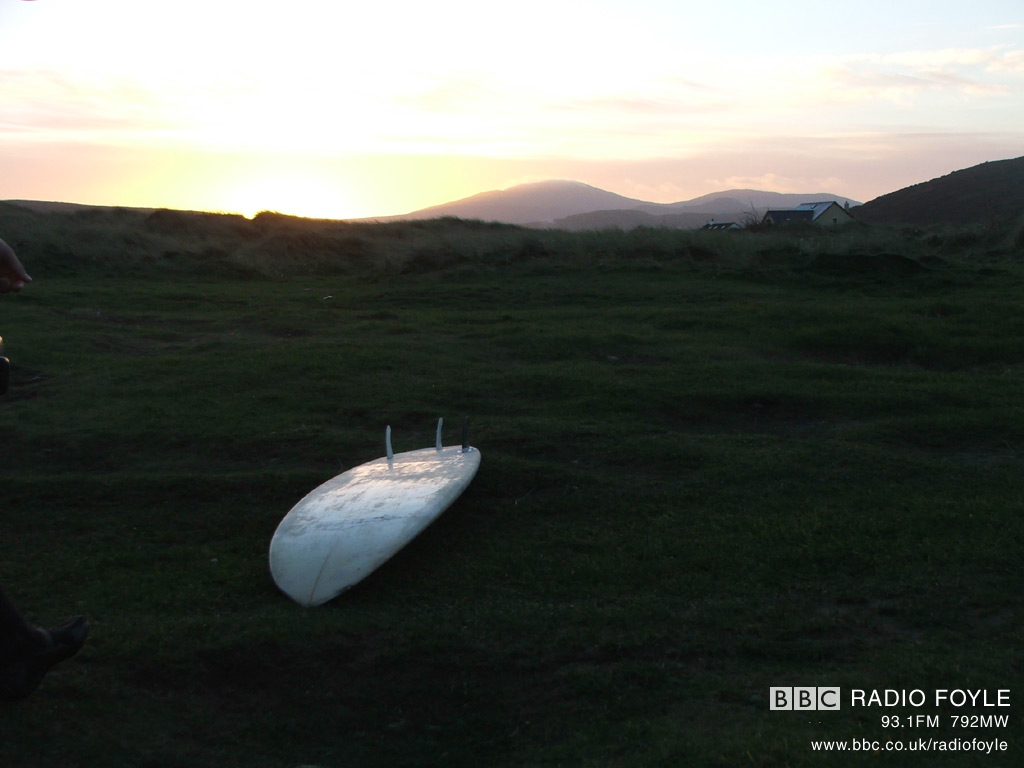
1 Click on the link below the wallpaper you'd like to install. Choose the resolution that best fits your screen.The picture will load in a new window.
2 To save the image, press right-click when the mouse is over the picture. Then select 'Save as Wallpaper' or 'Set as Background'.
If the above steps do not work:
Right-click over the image and choose "Save picture as". Save the picture.
Then, to make the image your Wallpaper, go to Start/Settings/Control Panel and select the display button. There you can click the browse button, go to where you saved the picture, and select it as your new background.
Back to top
I have a MAC
1 Click on the link below the wallpaper you'd like to install. Choose the resolution that best fits your screen.
The picture will load in a new window.
2 Place your mouse over the WALLPAPER image.
Hold down CTRL and click on the image, select "save"
3 Once the image has finished loading, hold down the mouse button until a pop-up menu appears allowing you to "download image to disk". Make sure you save the image into your WALLPAPER folder (in your 'system' folder). When the image is saved, use the Appearance Control Panel to set it as the desktop picture.