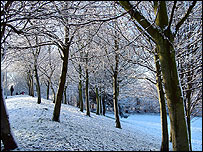
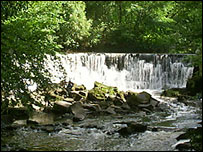
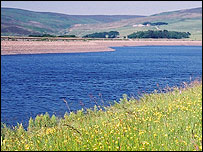
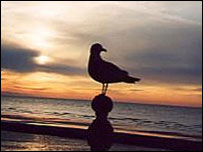
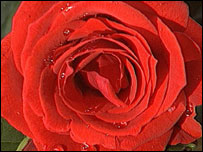
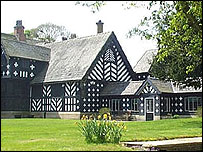
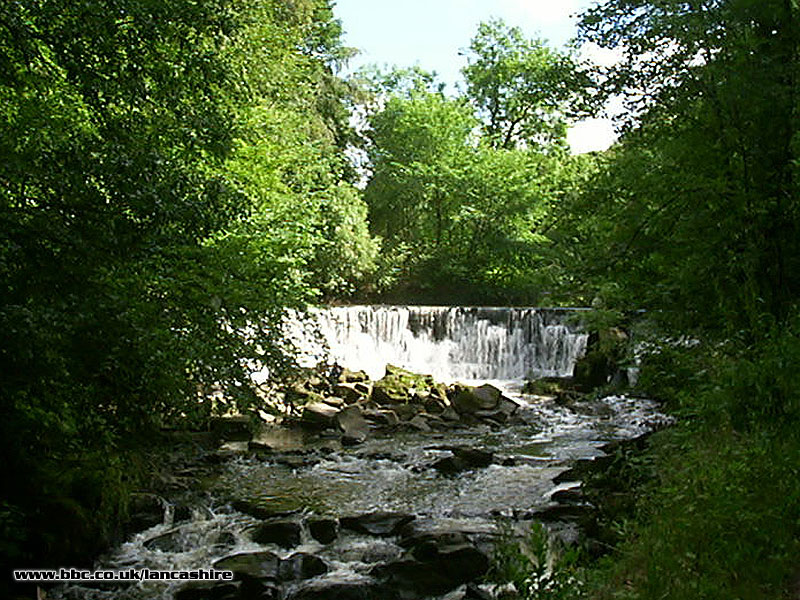
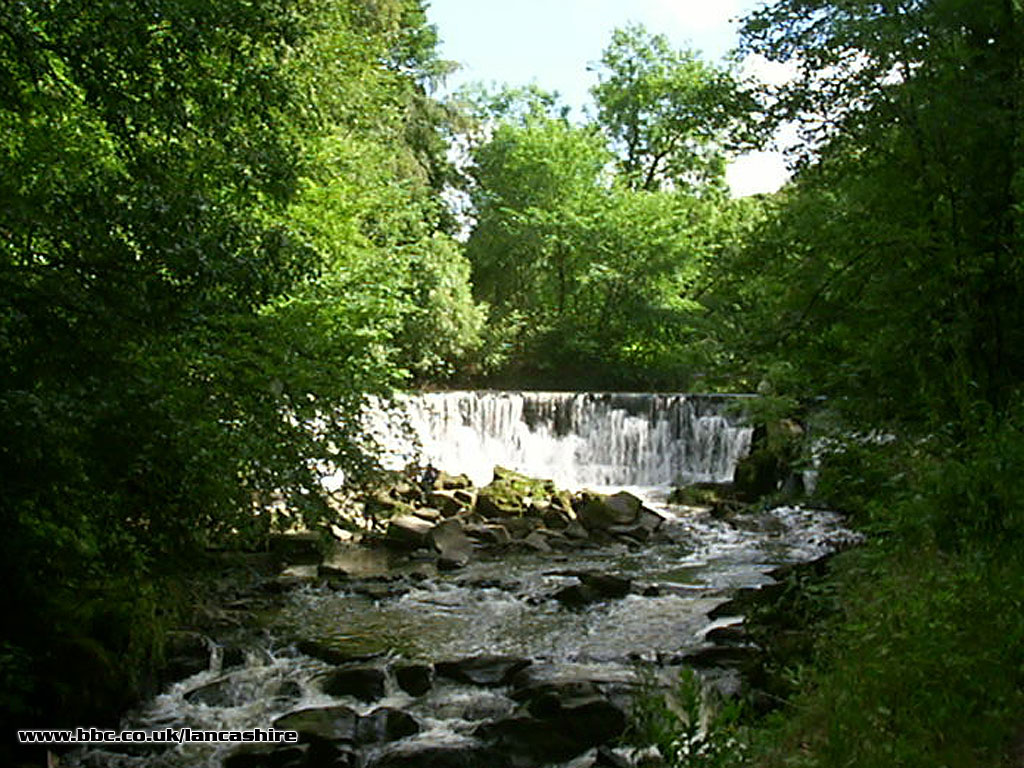
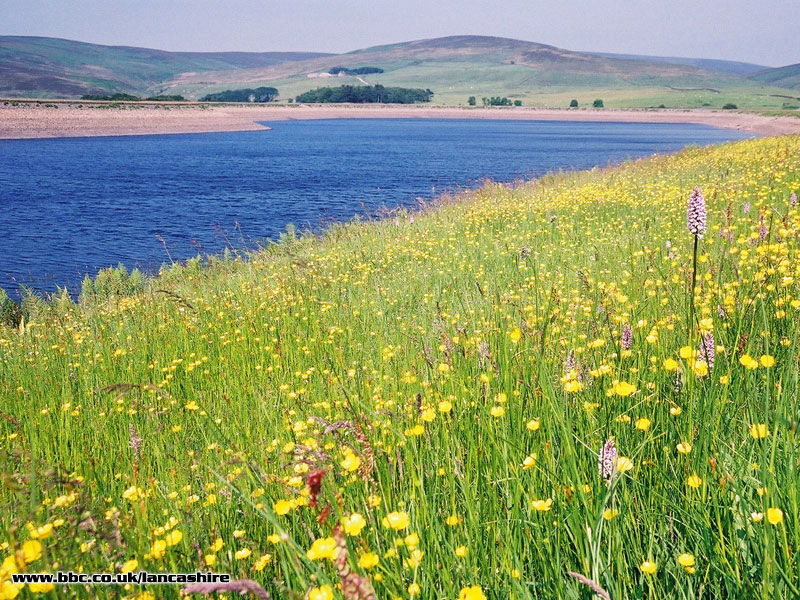
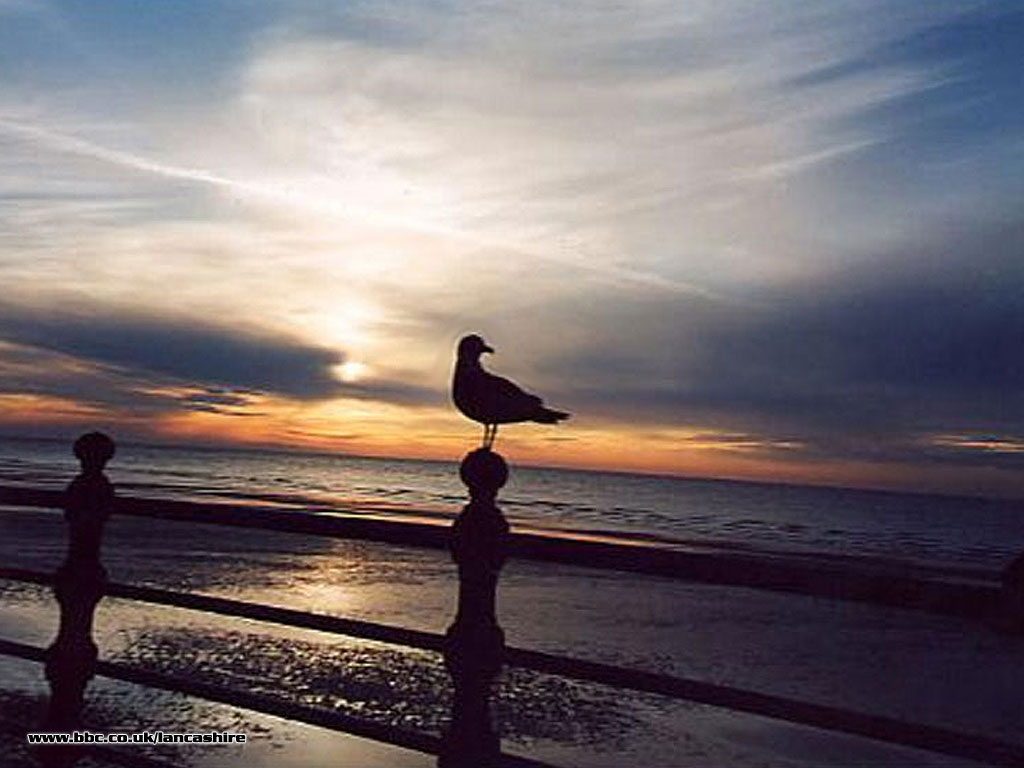
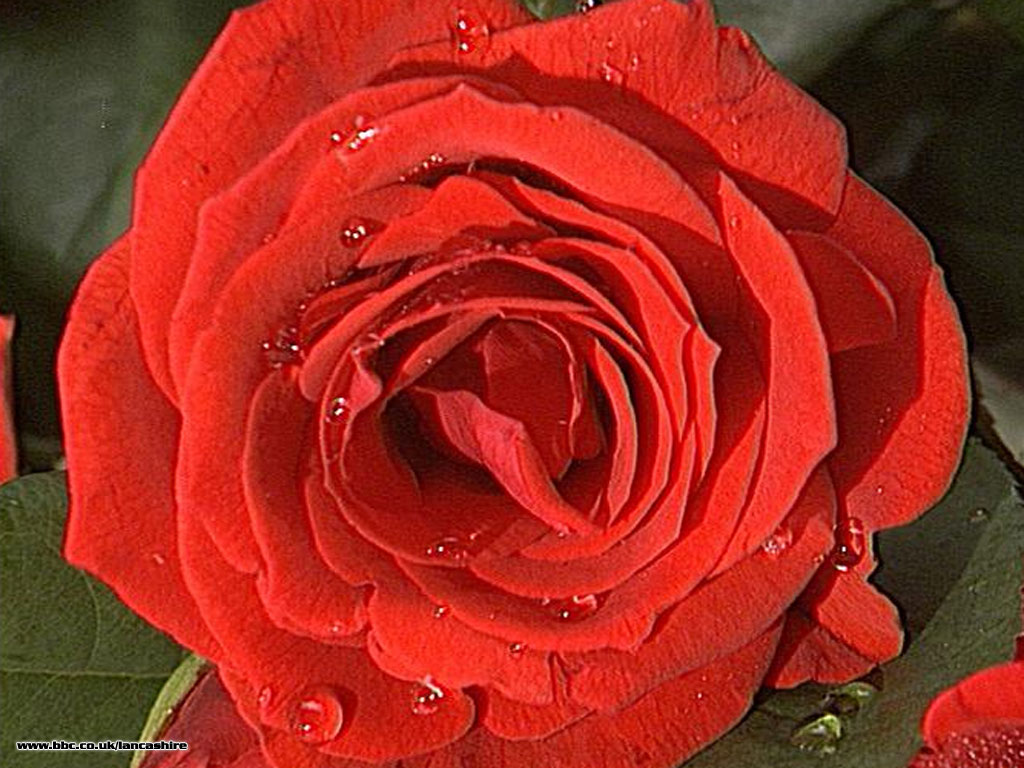
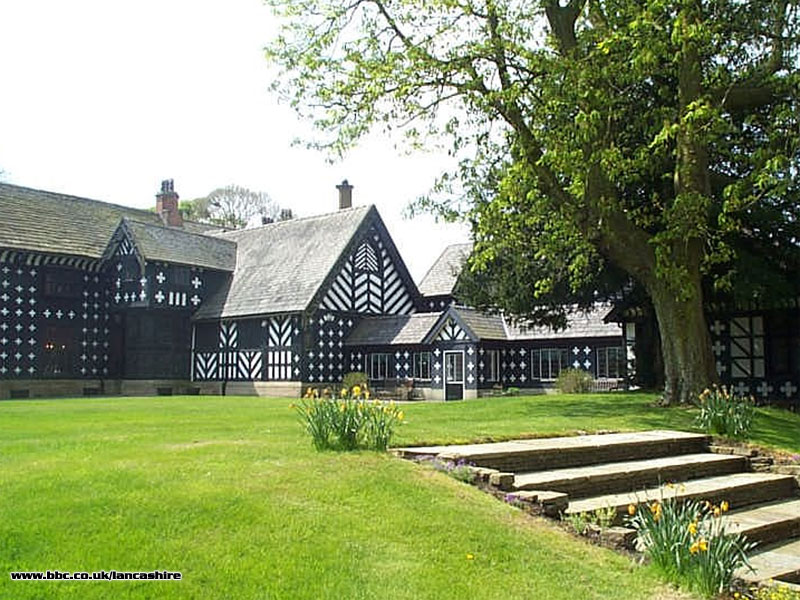
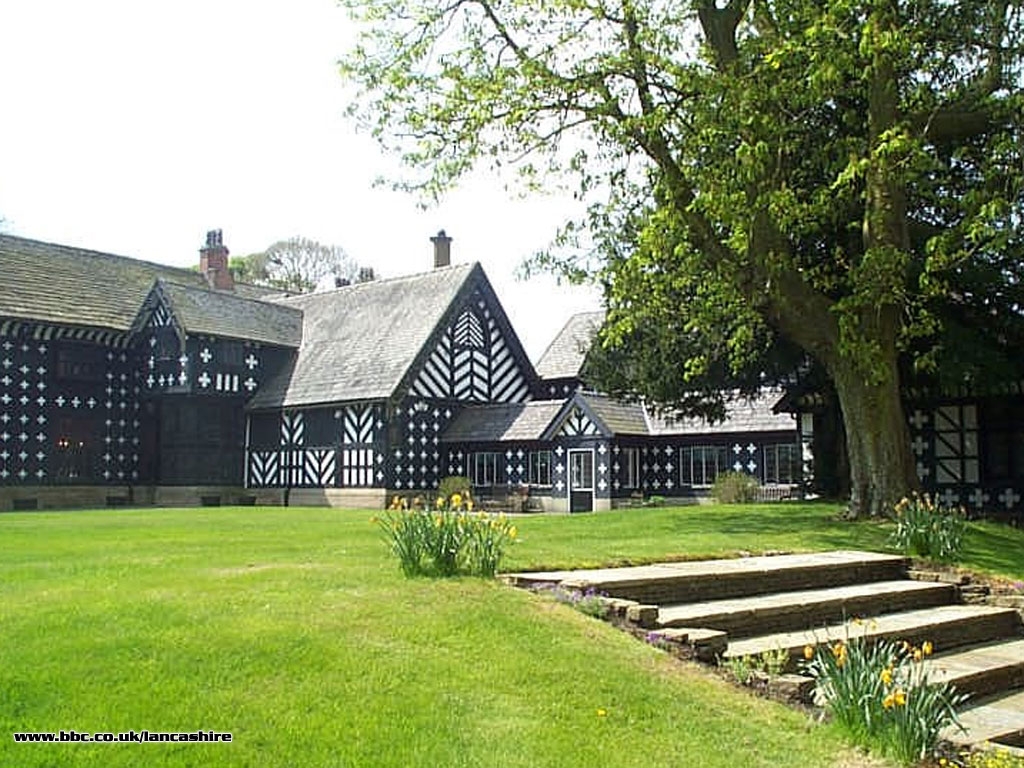
Get our lovely Lancashire pictures on your desktop! |
How to get the pictures on your desktop... |
WINDOWS 95, 98 and NT Choose which image you want to download.
Click on correct resolution for your display to link to the full-size image.
The image will begin to download in a new window. When it is fully loaded, right-click on it and select 'Set As Wallpaper' from the pop-up menu to make the image directly into wallpaper. Or, alternatively, select 'Save Image As...' and save it into the 'Windows' directory. Then, in the 'Display' Control Panel, choose 'Background', and in the 'Wallpaper' window, choose the new picture and click 'OK'. MAC OS 8/8.5 Choose which image you want to download.
Click on correct resolution for your display to link to the full-size image.
Click and hold (or control-click) on the image and choose 'Save this Image as...' or 'Download Image to Disk', or just drag it onto your desktop.
Open your 'Desktop Pictures' (OS 8) or 'Appearance' (OS 8.5) control panel, then drag the image from your desktop to the control panel. Click 'Set Desktop' and close the control panel. | | |
|    
BBC Lancashire
Darwen Street
Blackburn
Lancashire, BB2 2EA
Tel: 01254 262411
Txt: 07786 201955
E-mail: lancashire@bbc.co.uk |
|