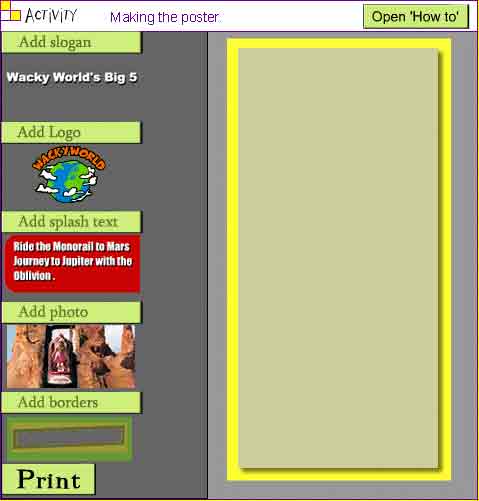
How to begin: - Begin by adding a slogan. Move the mouse over the icons on the left and click the icon under 'Add slogan'
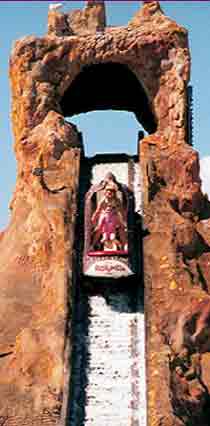
- Next add some splash text by clicking on the icon under 'Add splash text'. Now add the logo, a photo and a border
- Click the icons again if you want to remove items; if you want to look at these instructions again, just click on 'Open How To'
 |