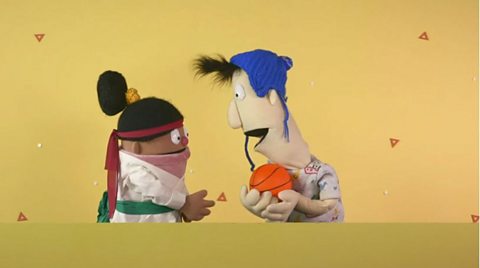
Using computers and being online can be great fun and really helpful.
But there is lots you need to be careful with and things you shouldn’t click on.
Watch the video as Pip and Declan learn how to stay safe online and who to talk to if they're not sure about something.
MUSIC
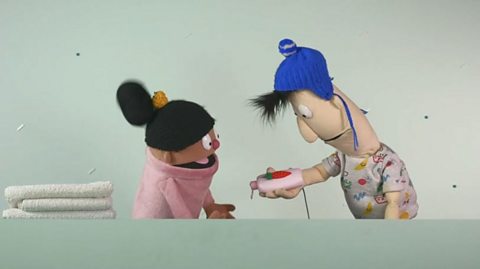
Declan is swiping on a tablet.
PIP: What you up to Declan?
DECLAN: Hi Pip!
PIP: Hi!
DECLAN: I'm just looking on the internet for help with my homework.
PIP: Ooh. (GASPS) What's that flashing button?
DECLAN: Don't touch that!
Pip touches the screen.
ERROR SOUNDS
DECLAN: No!
PIP: Oh! Too late! Haha!
Declan gasps. Suddenly they are in two different windows on our screen.
They talk over each other in a panic. Lots of other windows and error messages pop up.
PIP: I can't see you Declan!
DECLAN: Pip? This is… I don't think I like this. It's a wee bit crazy!
DING
The narrator talks about online safety while we see an animation of someone getting an adult to help with their tablet.
NARRATOR: Declan is right, you shouldn't touch or click something on a computer that you are not familiar with. There are lot of things you need to be careful with when you're online. Adverts are one of them.
NARRATOR: If you don't recognise what you see, you should tell an adult you trust. Now, let me help you guys out.
The windows and error messages are closed down, and Pip and Declan are back in one window as normal.
PIP: Phew! That was a bit weird! I think it's safer if we play outside.
DECLAN: Yeah, me too!
MUSIC
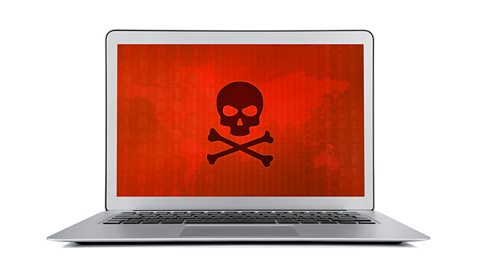
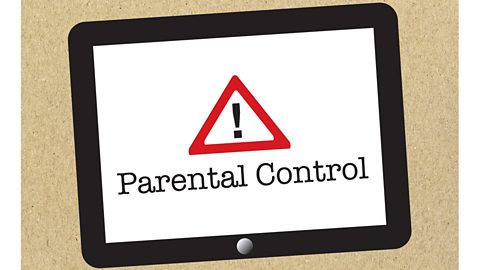
There are lots of warning signs that help alert us to possible dangers online. Have a look through the slideshow to find out about some of them.
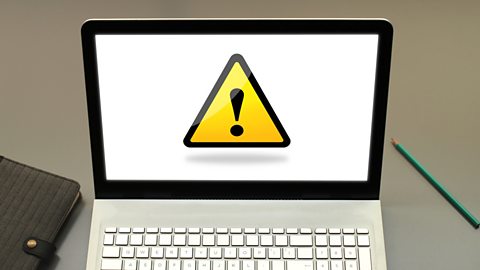
Image caption, If you see this 'caution' sign, ask an adult you trust about it.

1 of 5
More on Keeping safe
Find out more by working through a topic
- count3 of 4
- count4 of 4
- count1 of 4